








Bit-Thrash Textures: Lightweight
Rated 4.9 out of 5 stars
32 Reviews
$35.00
Bit-Thrash Textures: Lightweight
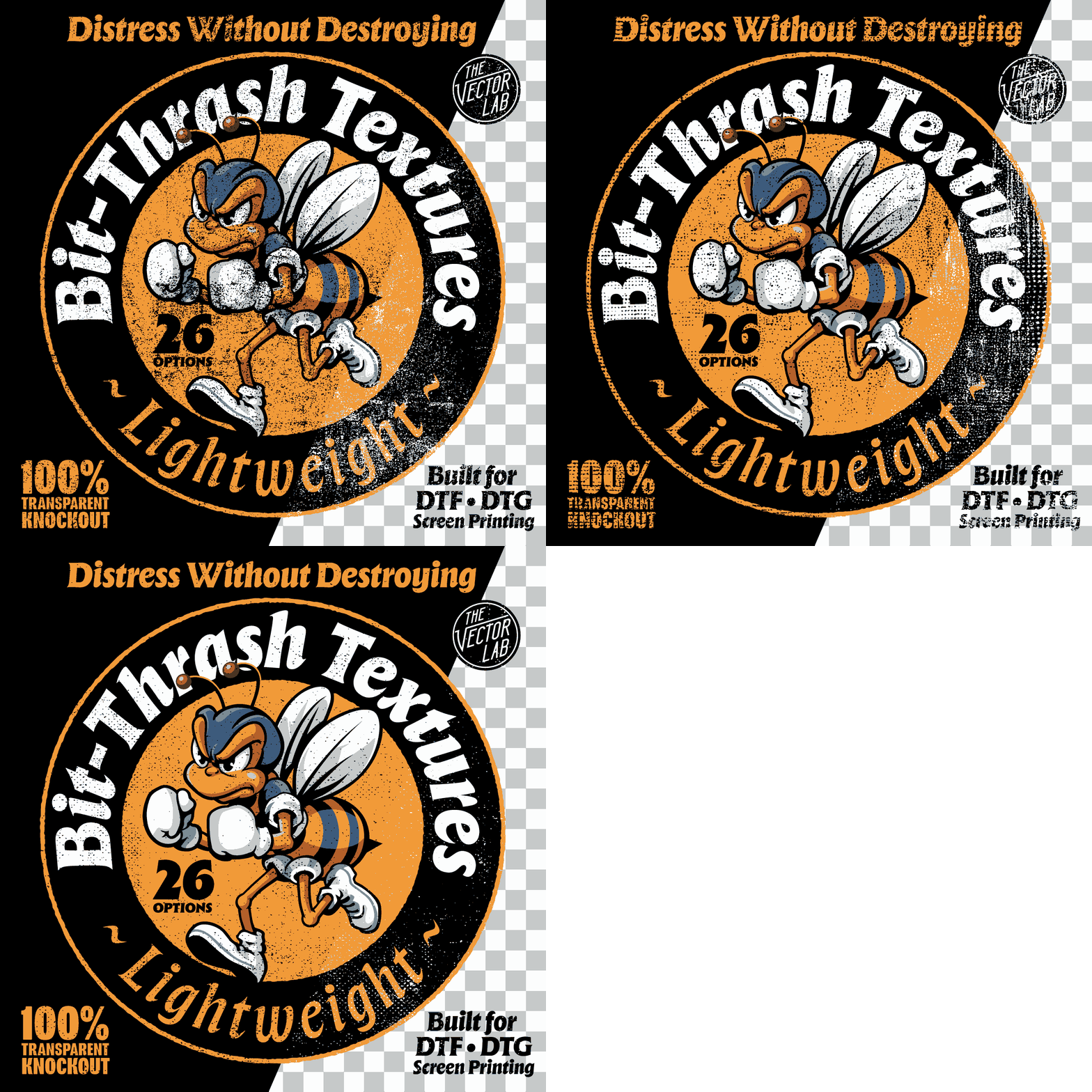
Distress Without Destroying
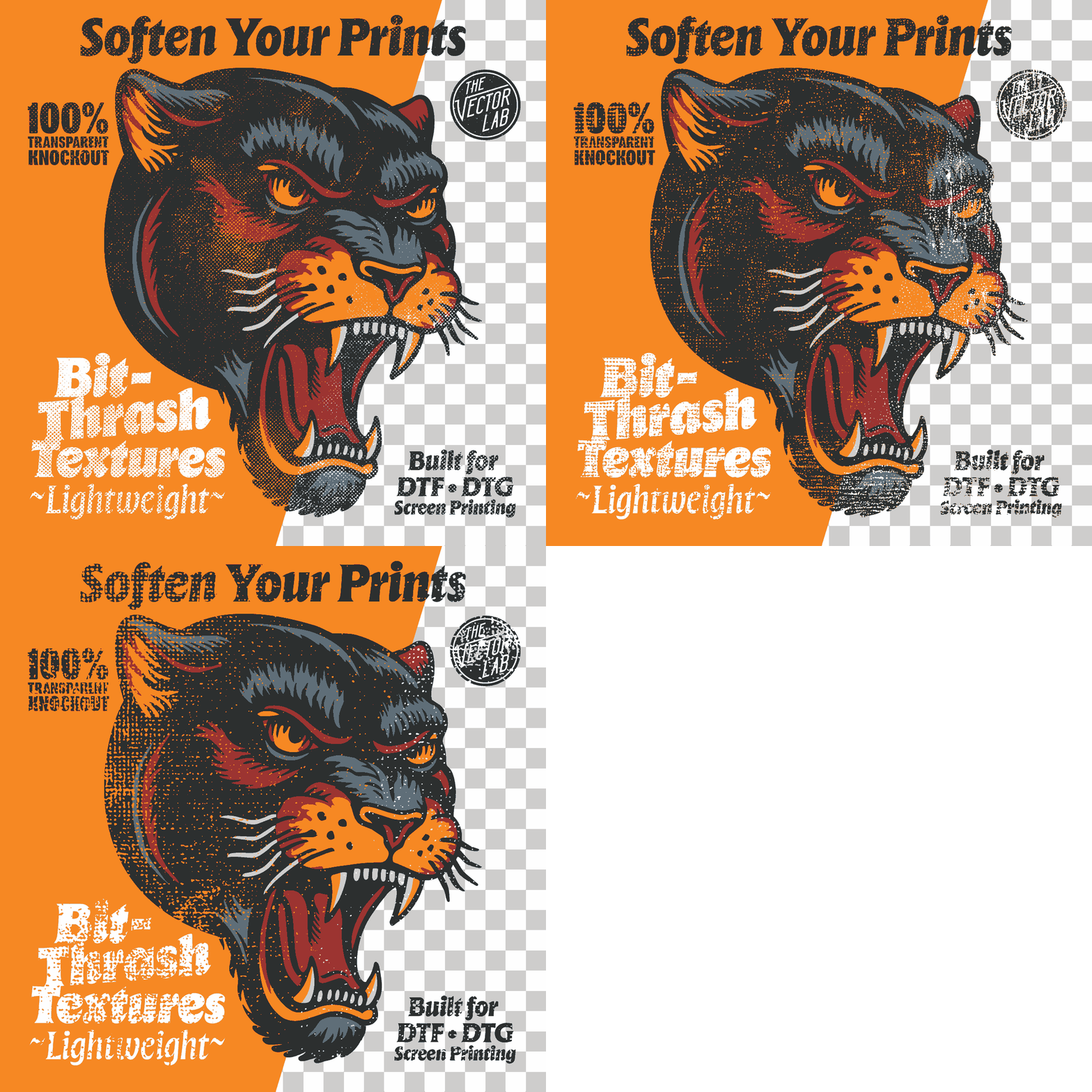
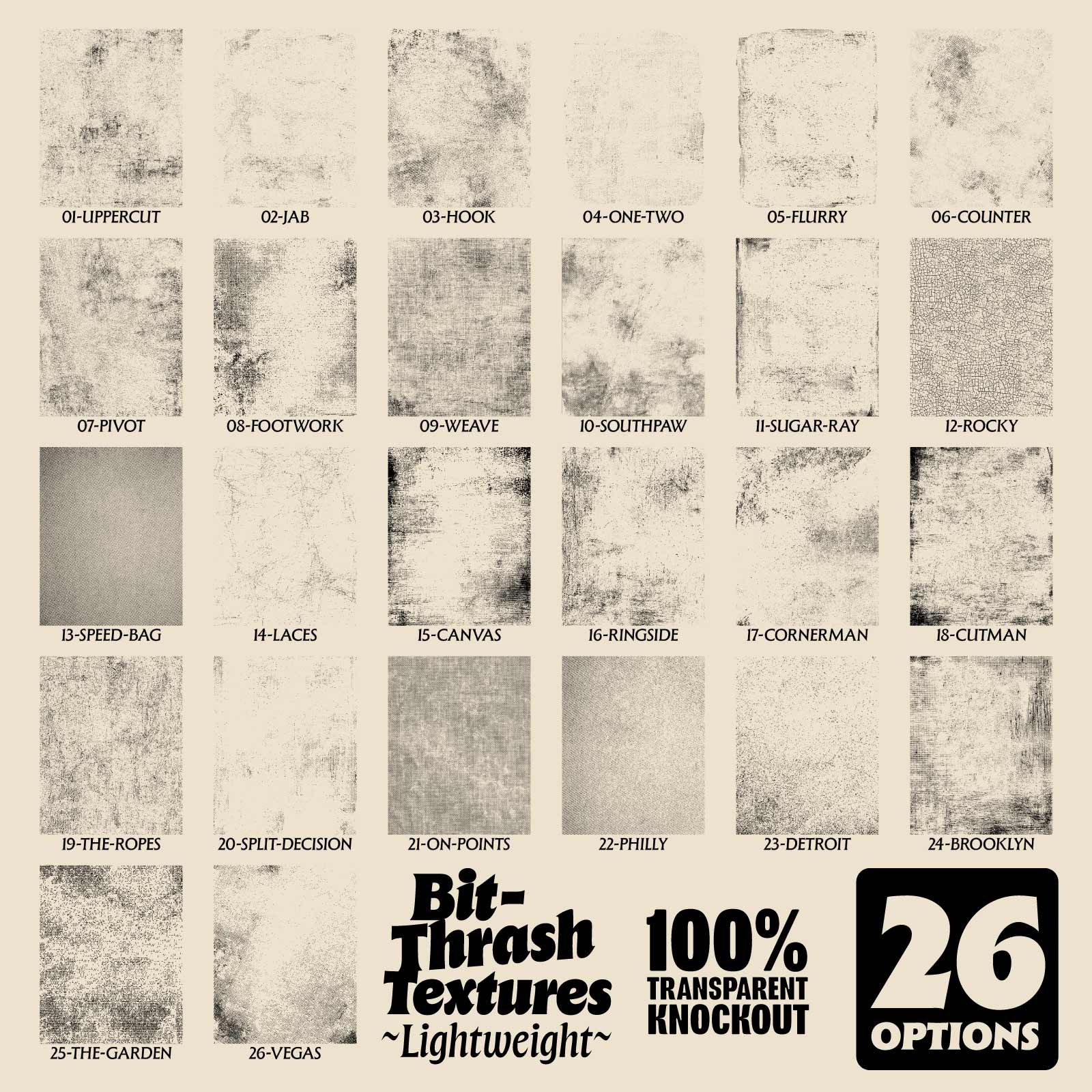
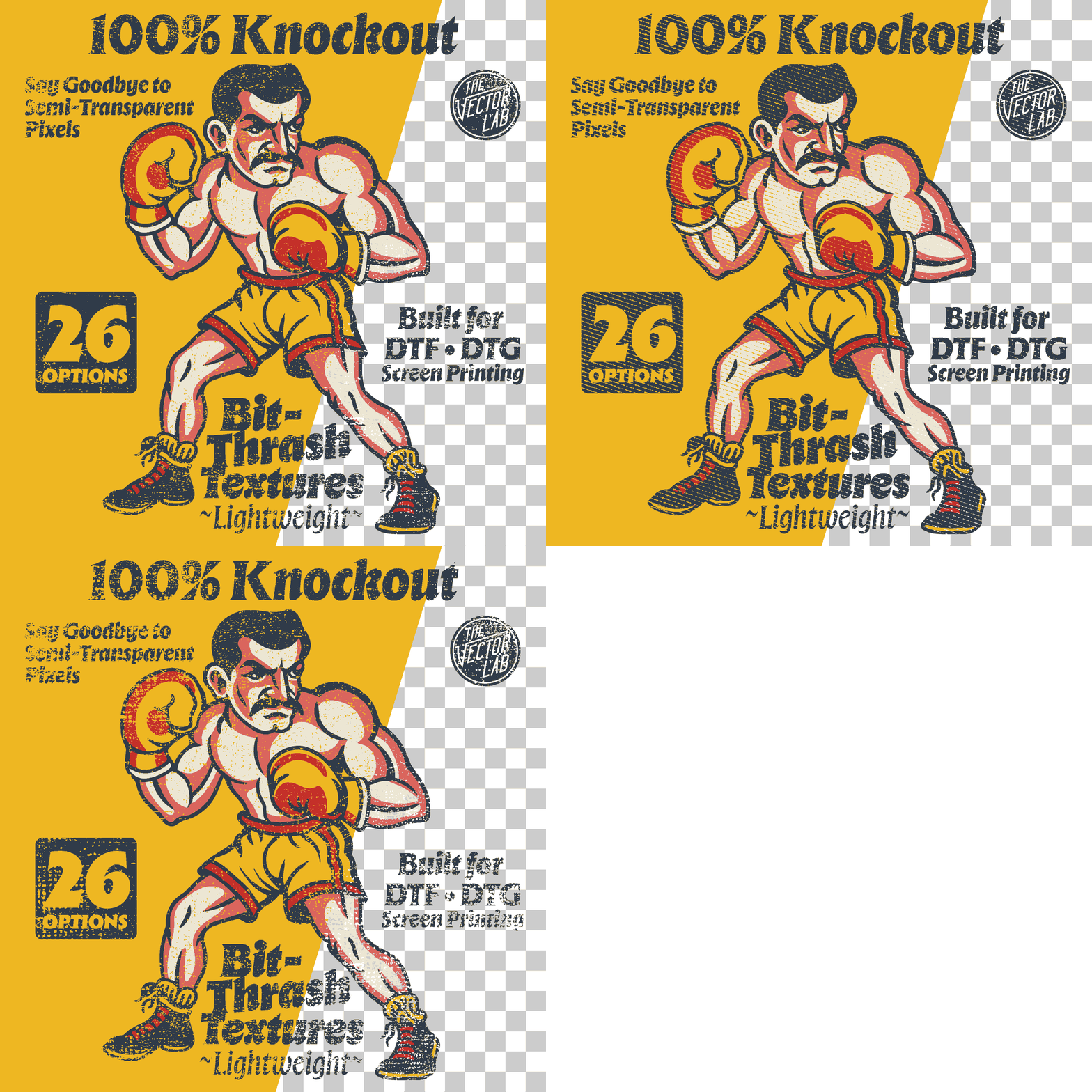
26 subtle bitmap textures that soften your print - without wrecking the art.
Optimized for DTF · DTG · Screen Printing
Most distress packs only have one volume: loud.
You drop one on your design and suddenly the graphic's half gone - key areas blown out, fine detail swallowed, the whole thing looking like it went ten rounds.
Sometimes you want that. This isn't that.
Bit-Thrash Lightweight is the gentle end of the range. 26 textures built to add real, worn-in character - the kind that makes a print look lived-in instead of brand new - while leaving your artwork intact. Enough grit to age it. Never enough to kill it.
Why these hit different
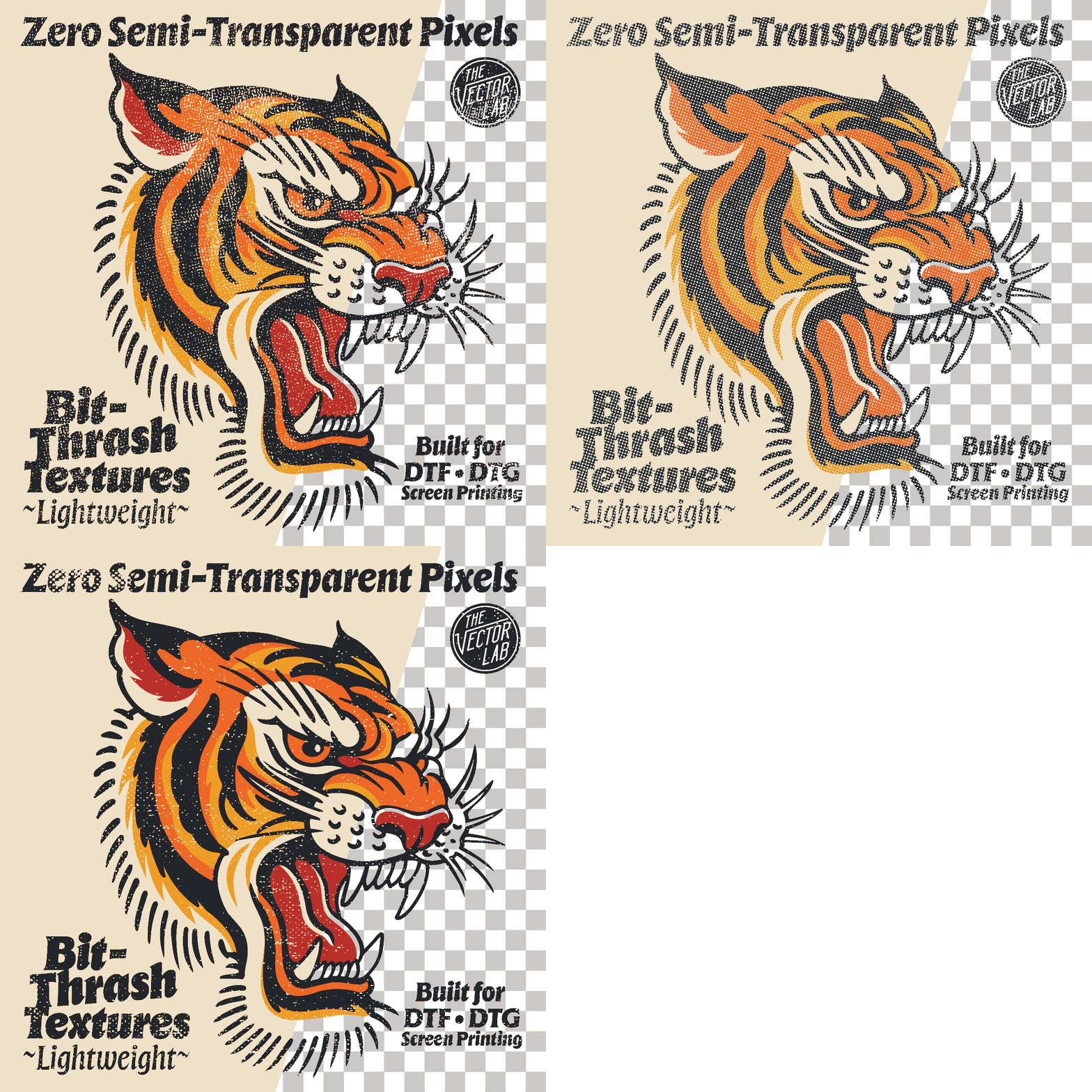
Subtle by design. Every texture in this pack is tuned light. They break up flat color, soften hard edges, and add that printed-a-hundred-washes-ago feel - without eating your linework or closing up fine detail. Distress you can actually use on real jobs, not just hero mockups.
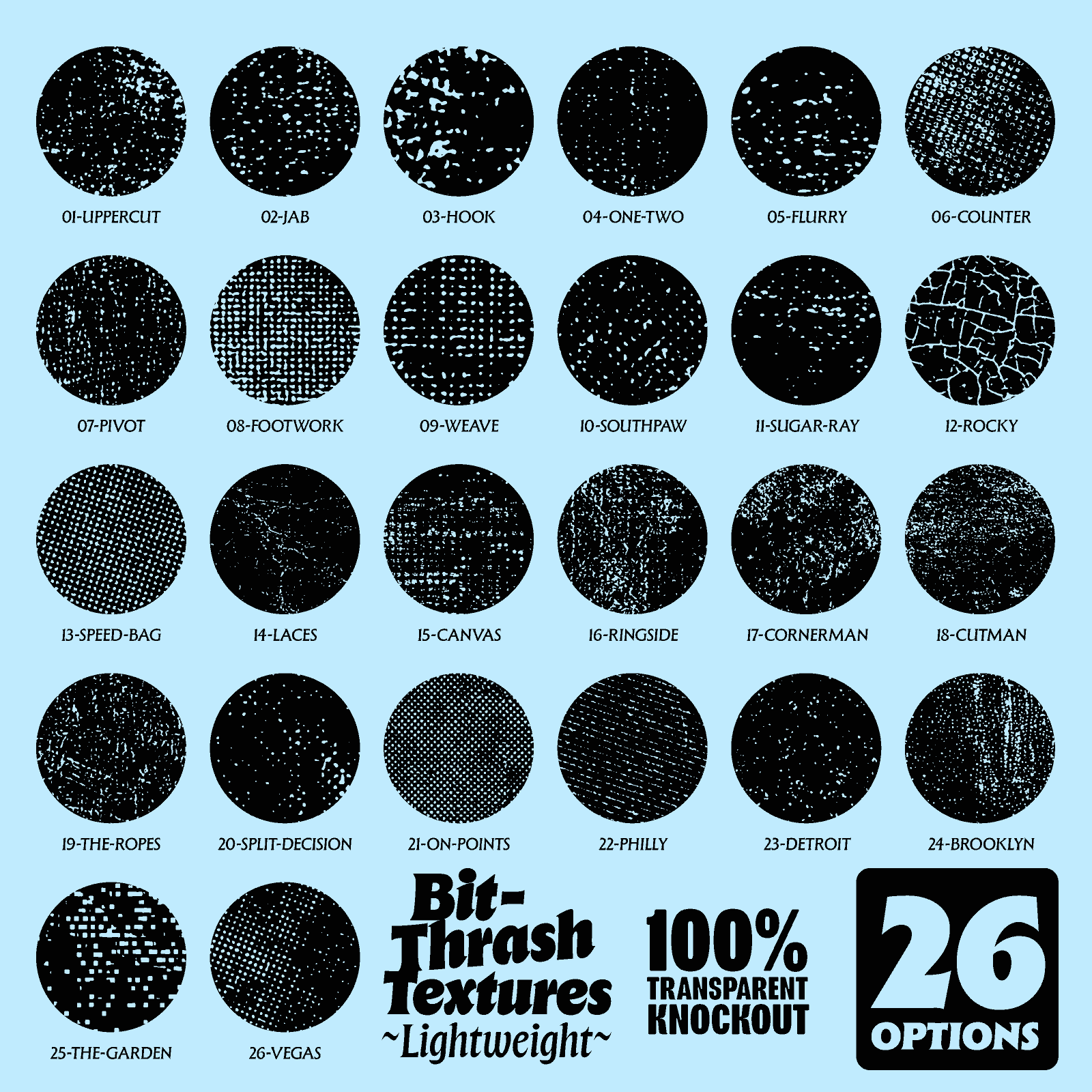
Say goodbye to semi-transparent pixels. No anti-aliasing. No halo. No mush. Every pixel is either on or off - which means clean knockouts, clean separations, and zero surprises when you hit print. Threshold-ready, straight out of the folder.
One pack, every workflow. Separating for screen, building a DTF gang sheet, or banging out DTG - these drop in and behave the same way every time.
What's in the pack
- 26 lightweight bitmap distress textures
- Bitmap TIFF - for Adobe Illustrator & CorelDRAW
- Transparent PNG - for Photoshop, Affinity & Procreate
- PDF Instruction Guides + Tutorial Videos
- Instant download - yours the second you check out
Built for printers who sweat the details
Screen printers, DTF and DTG decorators who want vintage texture that reads intentional, not accidental.
If you've ever loved the look of a distress pack but hated what it did to your art - this is the fix.
26 textures. Two formats. One job: soften the print, save the art.
Compatible with essentially ALL graphic design software. However instructions and support are only offered for Adobe Illustrator, Adobe Photoshop, CorelDraw, Procreate, and Affinity.
This Product is Also Available In These Larger Bundles:


You may also like
97%would recommend this product
Slide 1 selected
32 reviews
- HCHiran C.Verified BuyerRated 5 out of 5 starsAwesome upsellsellers
All these files are awesome and easy to use. My shirt sales have boomed since i started using these. Set yourself apart from the rest and start adding that extra boom.
- KWKirsten W.Verified BuyerRated 5 out of 5 starsGreat way to add character to layouts!
I love how easy it is to use these textures to add dimension and character to my designs. Why did I wait so long to give them a try?!
- KRKevin R.Verified BuyerRated 5 out of 5 starsAwesome textures
The Vector lab products are a must have. Intuitive products made for the industry. if you are looking for halftoning, Textures, fonts, vector art or even routines to make your work stand out then look no further than The vector lab. Your source for quality tools of the trade.
- BVBob V.Verified BuyerRated 5 out of 5 starsBi thrash
Great as always
- SOSean O.Verified BuyerRated 5 out of 5 starsNeeded nostalgia
So many cool retro designs can not only be made to look more authentic, these thrashed textures also double as a way to make DTF prints softer and easy wearing, they feel amazing and make the DTF prints not like a plastic sheet. This is a great collection and is coming in handy as we gear up for some new retro designs.