










DTF-TONES
Rated 4.9 out of 5 stars
118 Reviews
$35.00
Automatic Halftone Knockout and Background Removal
for Full-Color DTF & DTG Printing
for Photoshop and Affinity
Set Up Your Graphic Prints Like a Pro
Live-editing on the fly: View and adjust your knockout & halftone transparency instantly with no need to "convert to bitmap" to see the results.
How it works:
- Copy & paste your image into the template.
- Set your background color to match your image.
- Halftones & Knockout will automatically be applied.
- Adjust halftones and settings to refine your graphic.
- Export your image as a Transparent PNG; ready for printing!
Photoshop Tutorial
Affinity Tutorial
Details you will love:
- File output is print-ready for DTF (Direct to Film) and DTG (Direct to Garment)
- Use with any full-color art.
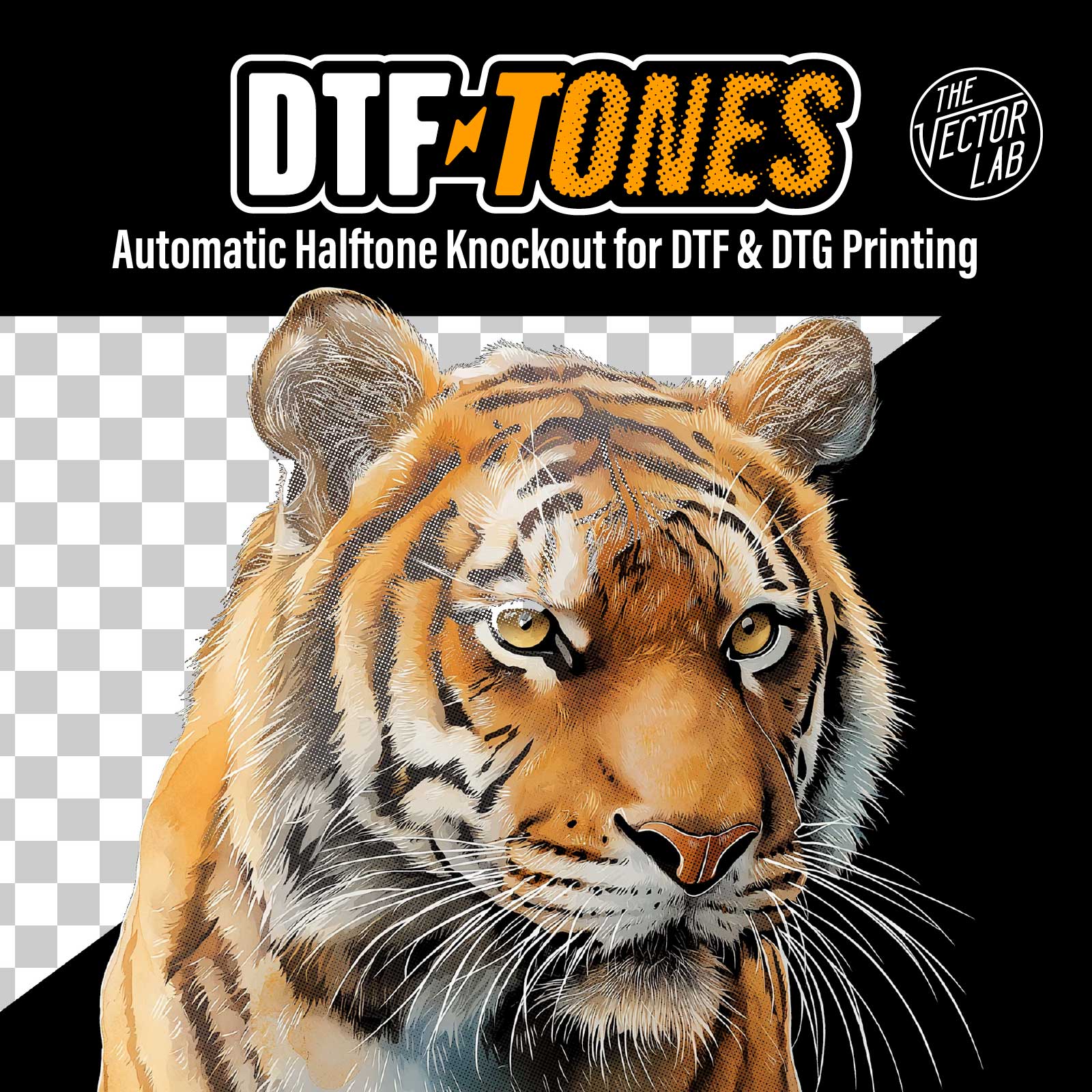
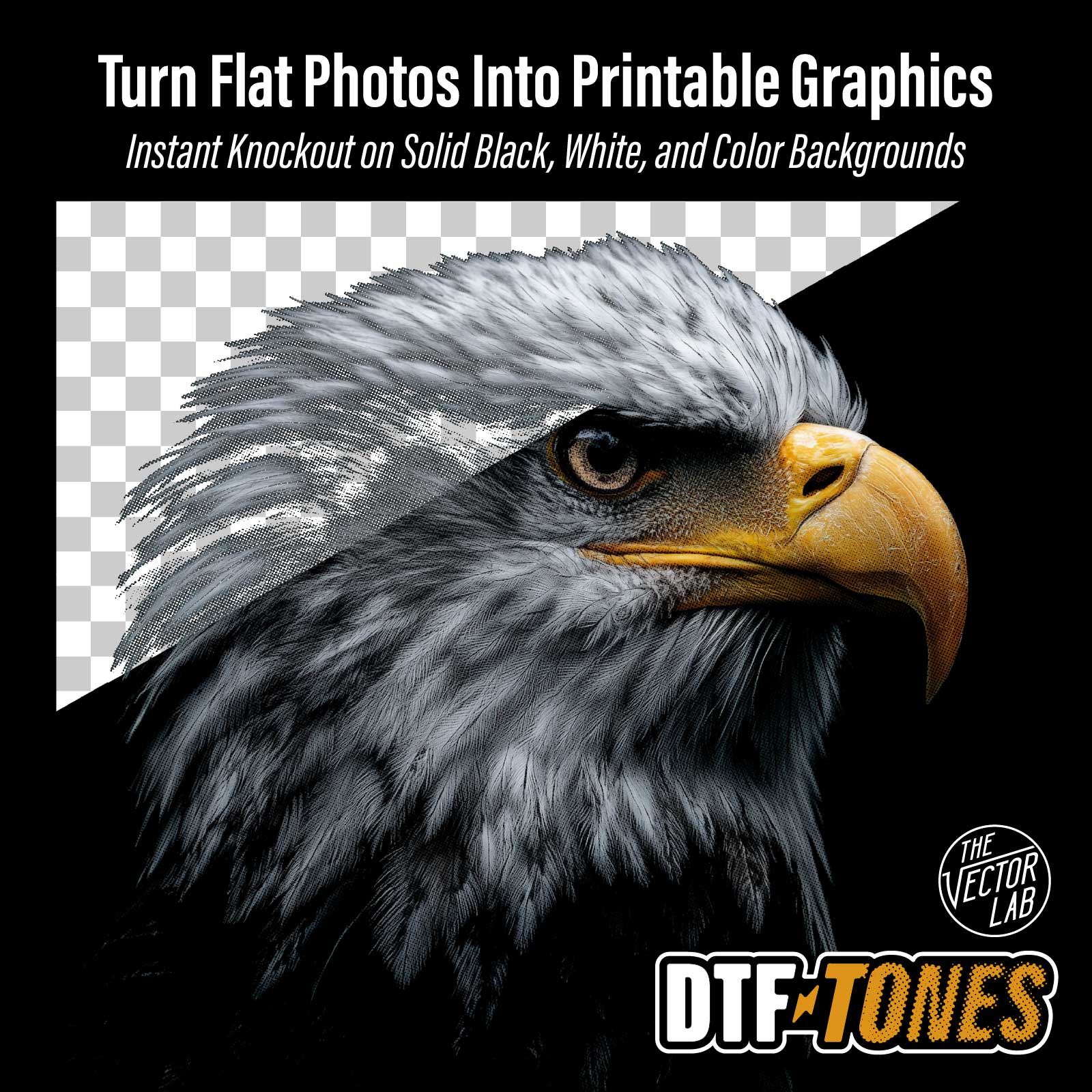
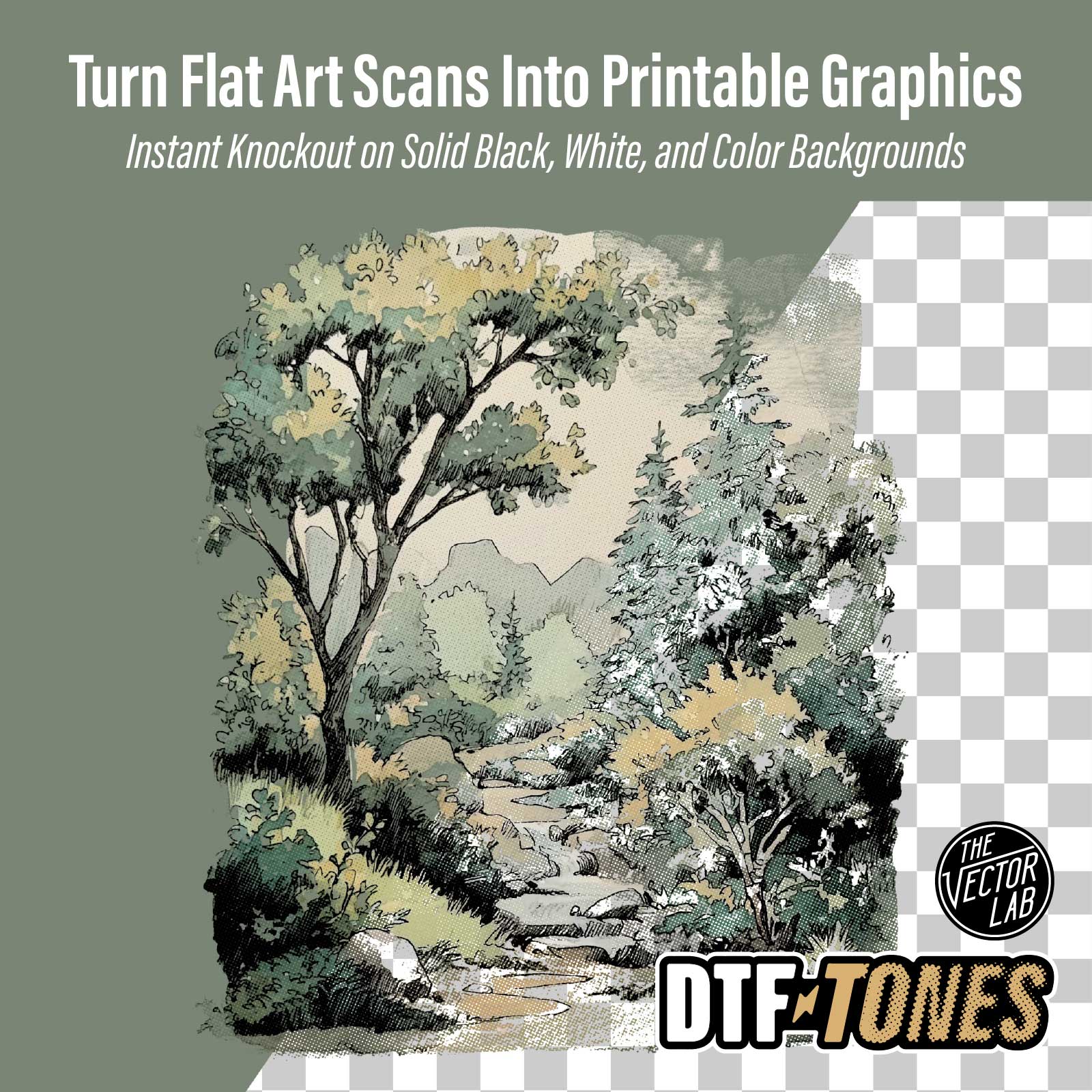
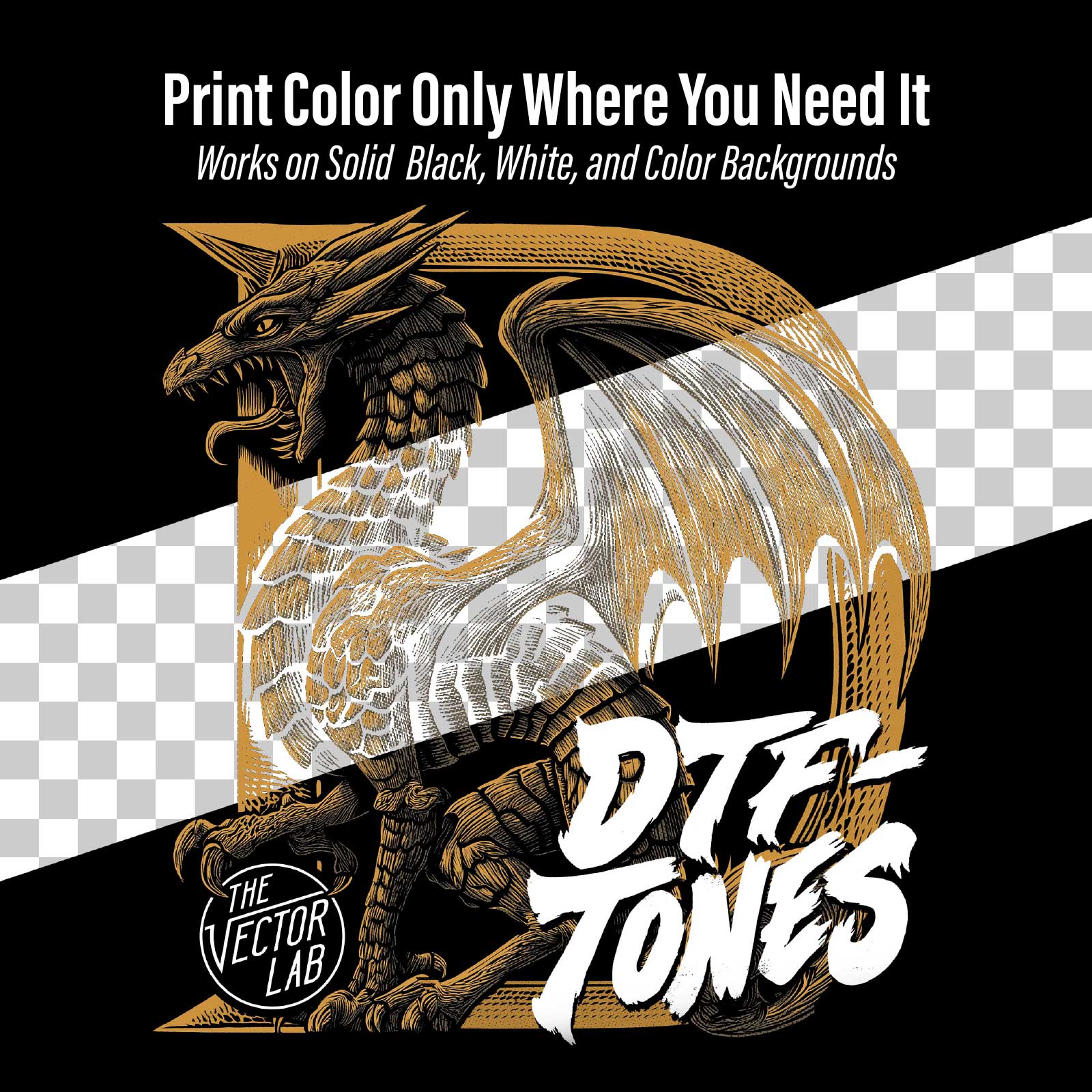
- Instant transparent knockout & halftones on any image with a solid black, white, or color background.
- No semi-transparent pixels.
- Print color only where you need it - for the softest prints possible.
- Turn flat photos, images, or art scans into printable graphics.
- Image size is up to 14" x 19" @ 300 DPI
- Choose 25, 35, or 45 LPI (lines per inch) round halftone dots @ 22.5°
- DTF-TONES is a regular Photoshop or Affinity file. No plugins or actions to install!
What you get:
- The DTF-TONES template (4200 x 5700 pixels).
- Quick Start Guide PDF instructions and tutorial videos.
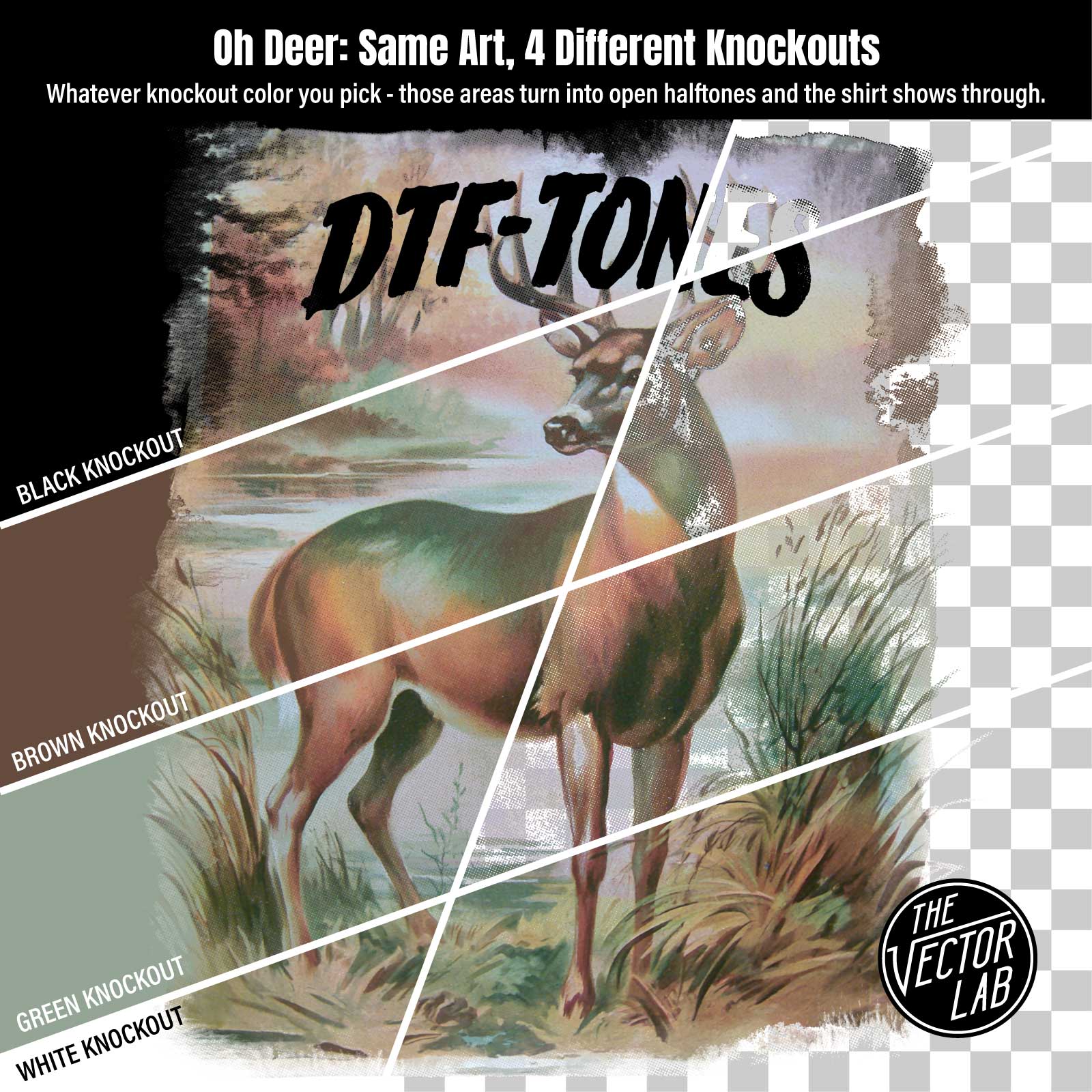
DTF-TONES doesn't just make halftones - it decides where the transparency goes based on the knockout color you pick. The knockout color is the color that disappears from your print. Choose black, and the dark areas turn to open halftone dots - perfect for printing on black shirts, where the shirt itself becomes your shadows. Choose white, and the highlights knock out instead. Pick another color, and those tones drop away, letting the garment color do the work.
Software Compatibility
DTF-TONES works in:
- Photoshop CS5, CS6, CC, and current versions (year 2010 to present) for Desktop Mac and Windows. (not compatible with Elements)
- Affinity (Version 2, 3, or newer) for Desktop Mac and Windows. (Affinity is now free software!)
Not compatible with PS Elements, Illustrator, Corel, Inkscape, Gimp, Flexi, Procreate or other software.
This Product is Also Available In These Larger Bundles:


You may also like
99%would recommend this product
Slide 1 selected
118 reviews
- GGGreg G.Verified BuyerRated 5 out of 5 starsAmazing Product
This makes dtf prep so easy!
- CMChris M.Verified BuyerRated 5 out of 5 starsDtf tones
Easy to use easy to follow direction excellent results
- PMPatrick M.Verified BuyerRated 4 out of 5 starsLove it.
Great product. Really helped me achieve the look I wanted. Thanks
- OMOliver M.Verified BuyerRated 5 out of 5 starsDTF-Tones
Plain and simple knockouts for blacks and whites (color too). Yeah yeah I can do this on my own in Photoshop and have been for a long time but combined with some of his other tools like the T-shirt texturizer and the time machine boy it sure makes sending my designs out to my DTF printer fast and funky.
- JMJuan M. F. J.Verified BuyerRated 5 out of 5 starsGreat product, saved me time on designing
I purchased the DTF tones to upgrade my DTF print quality for my custom T-shirts. The final product feels more comfortable and looks better than before. I will use this product for more print designs.