












Knockout Halftones
Rated 5.0 out of 5 stars
140 Reviews
$35.00
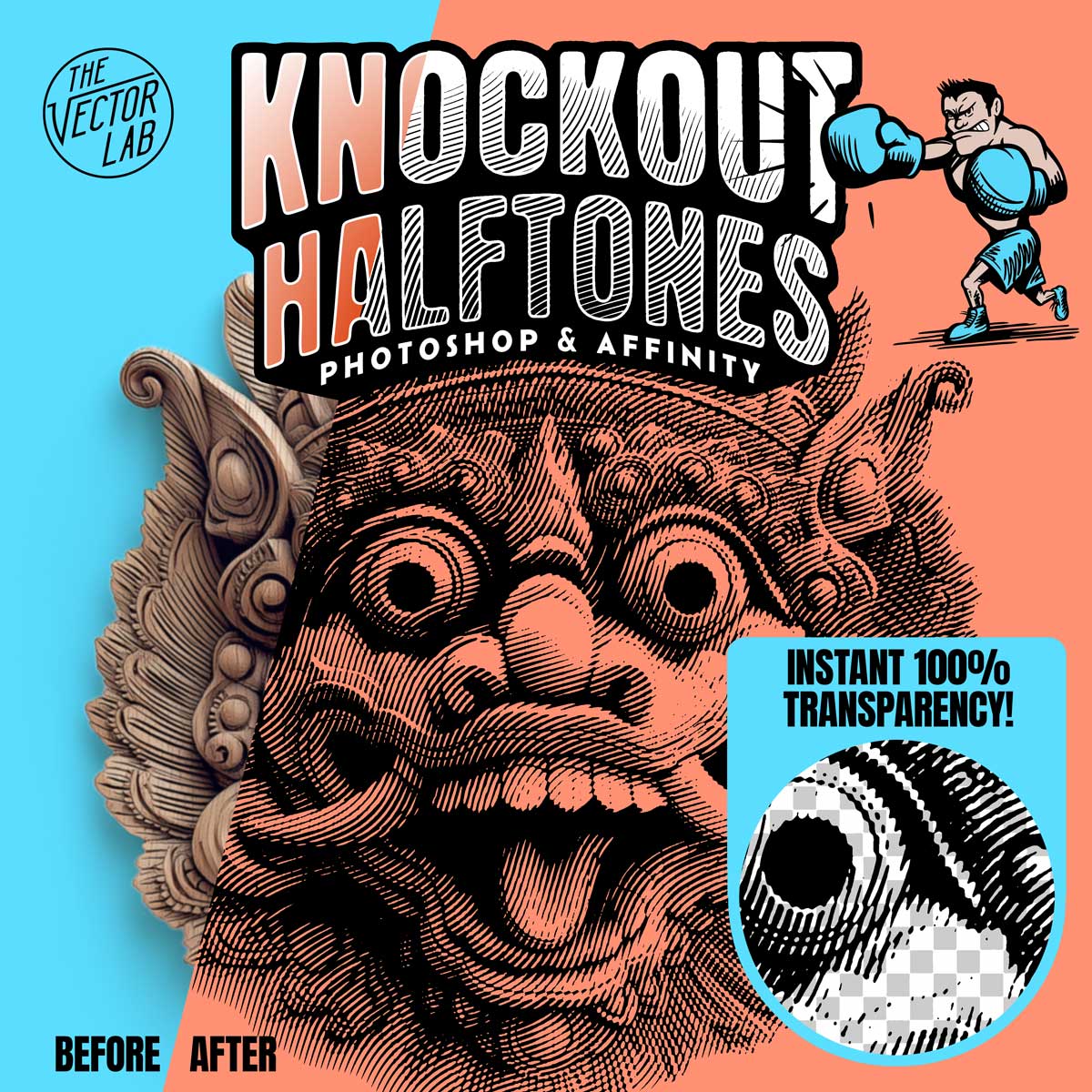
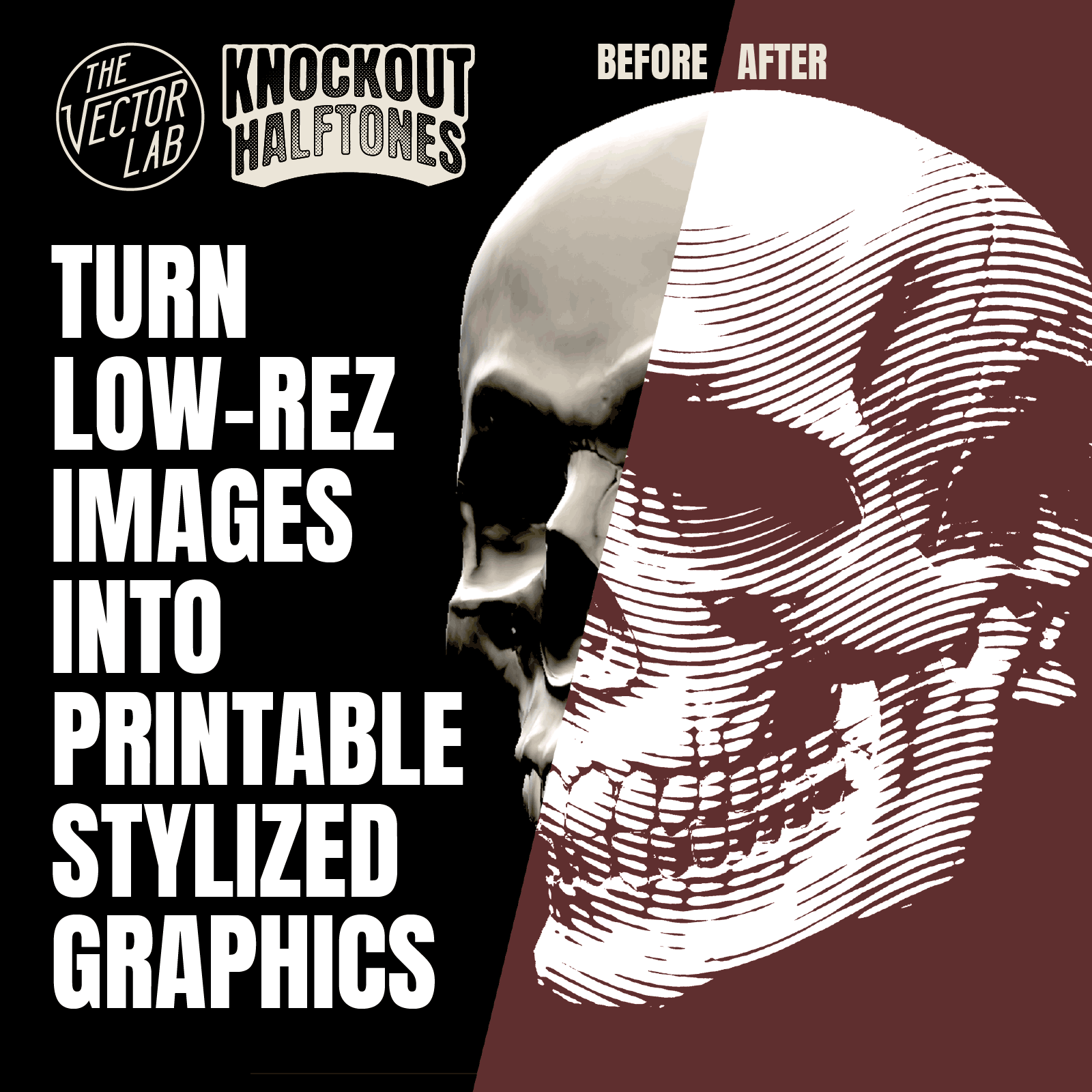
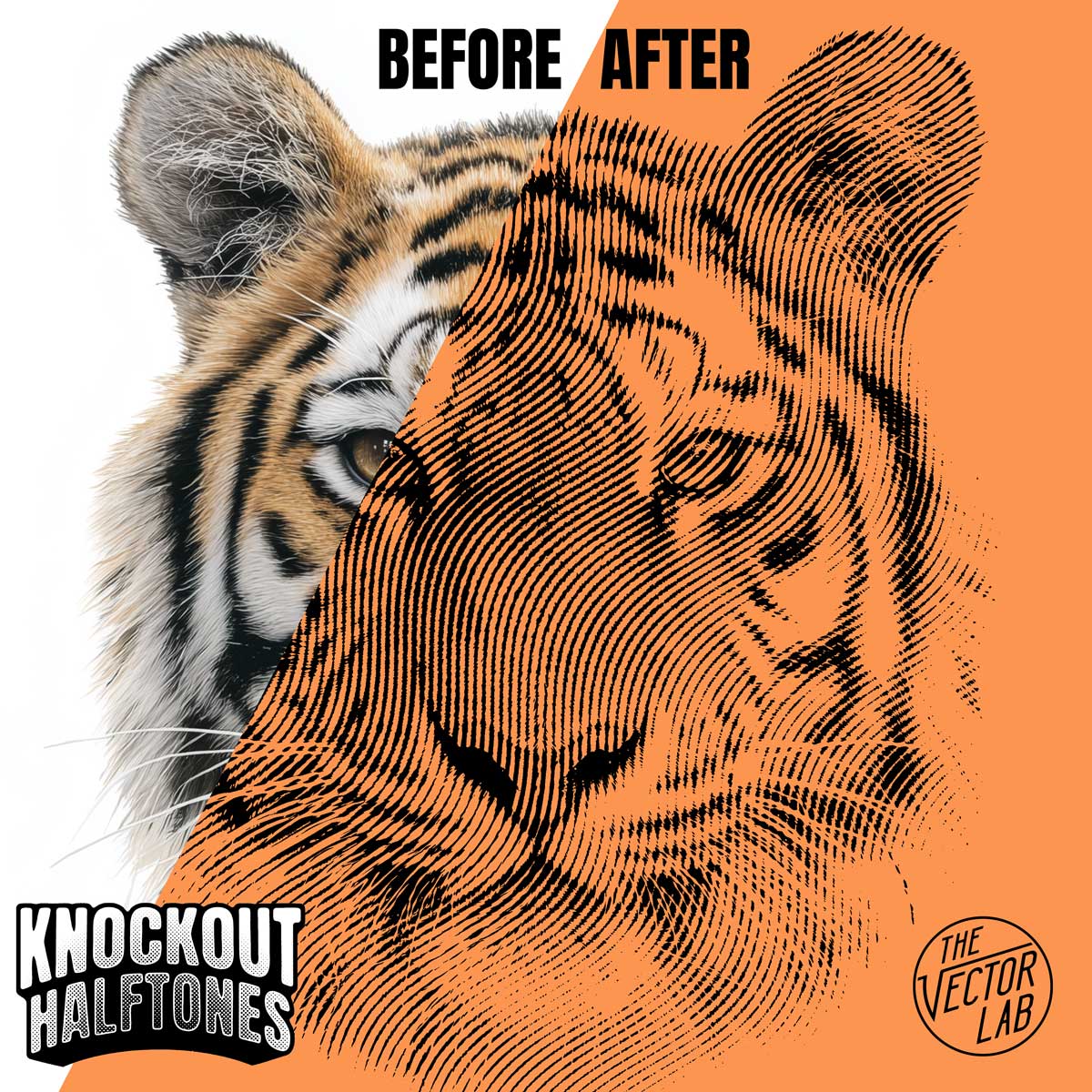
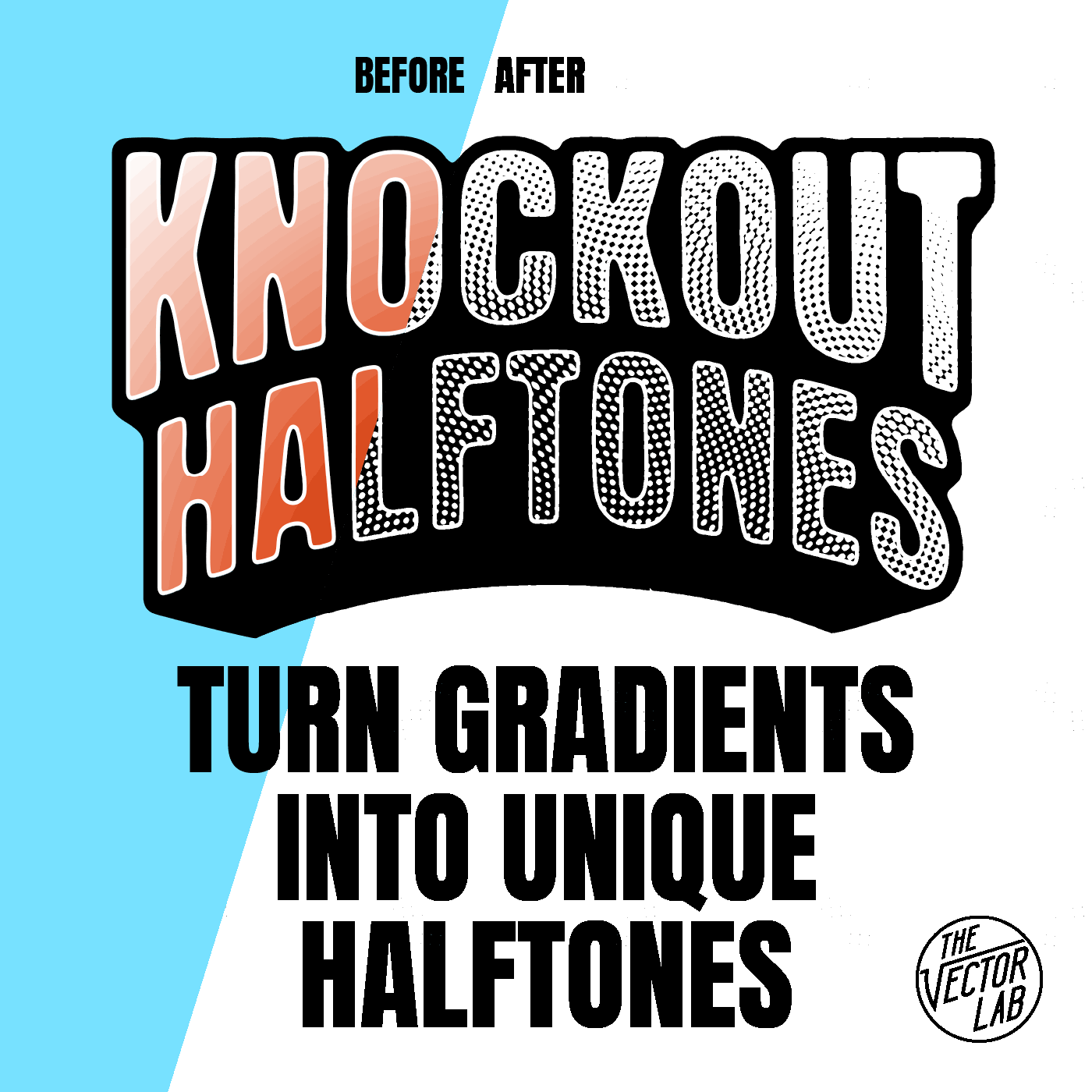
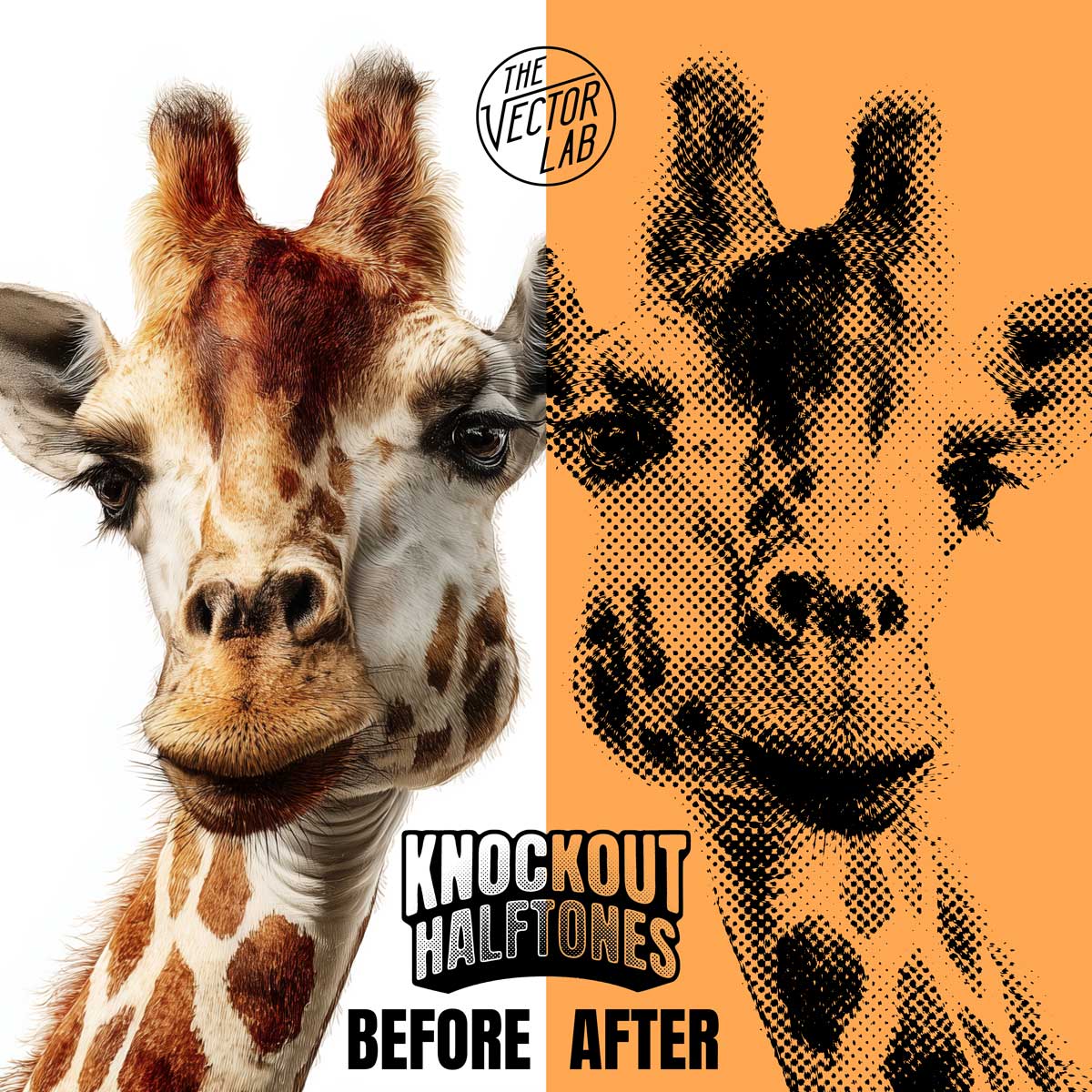
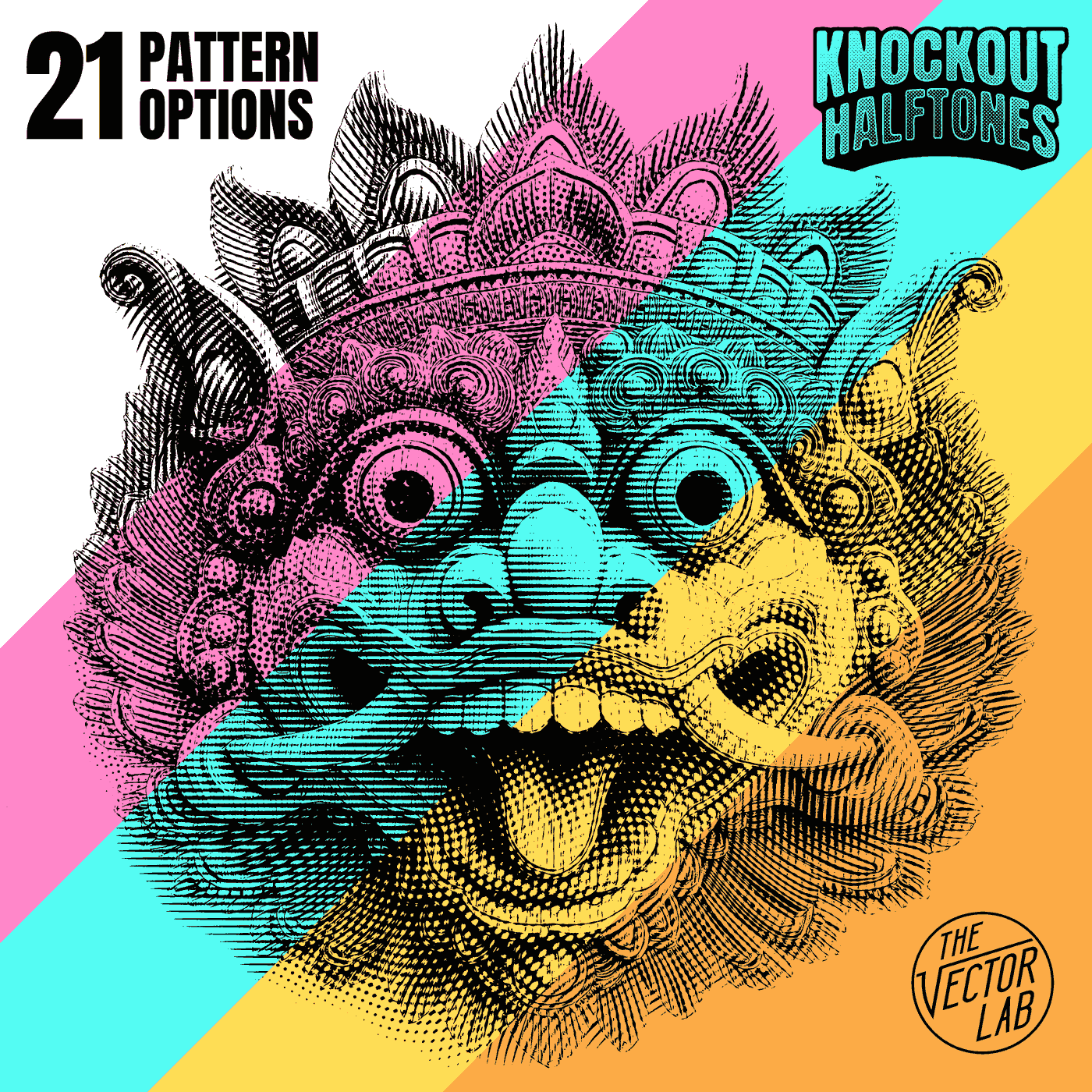
Instantly transform your photos and graphics into TRANSPARENT HALFTONE images.
for Photoshop and Affinity
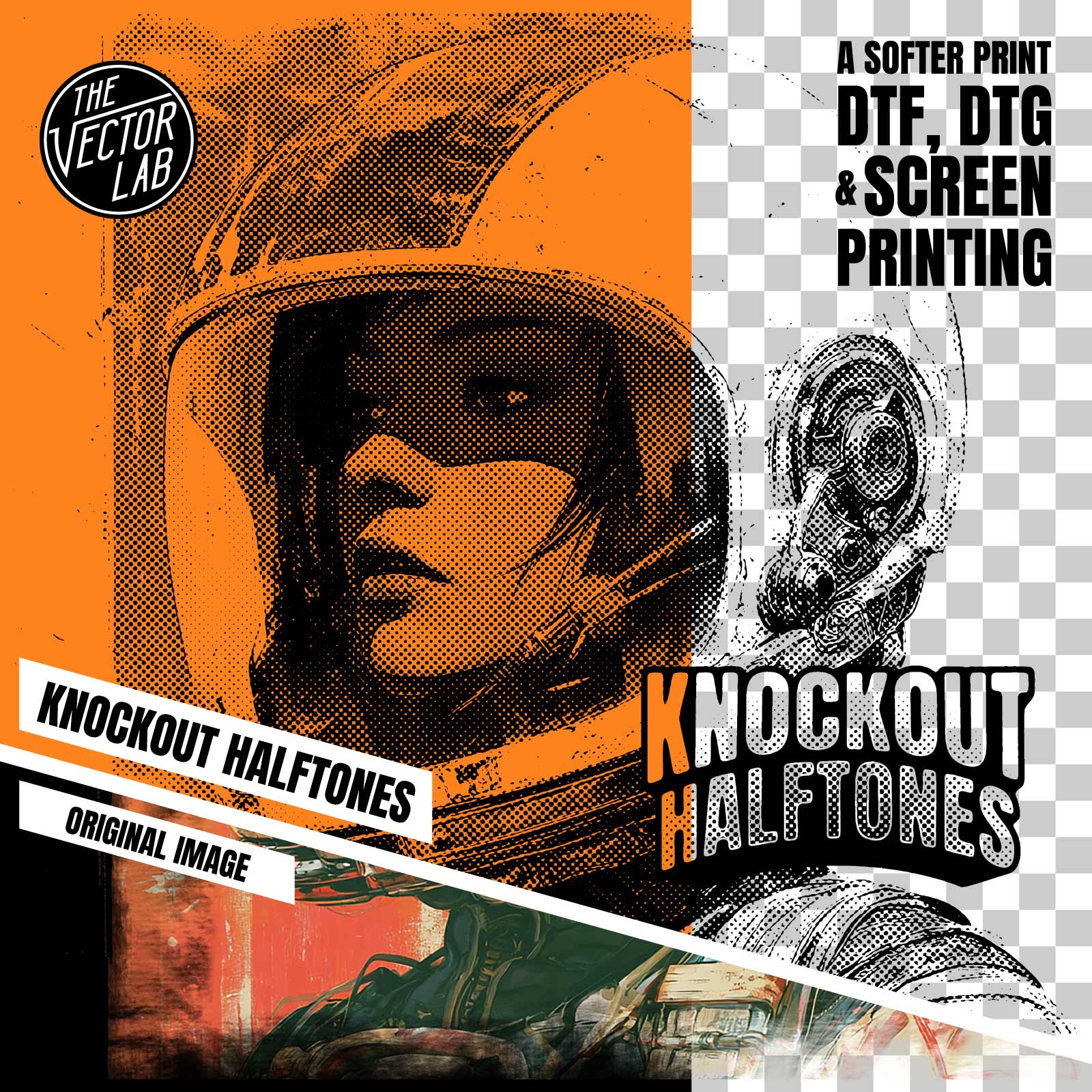
The halftone image generated will be one-color black on a transparent background. No white or semi-transparent pixels!
Live-editing on the fly: Adjust your halftone pattern, scale and angle with no need to "convert to bitmap" to view the results.
Perfect for screen printing, DTF direct to film, DTG direct to garment, dye sublimation, and all other methods of printing.
How it works:
- Copy & paste your image into the template.
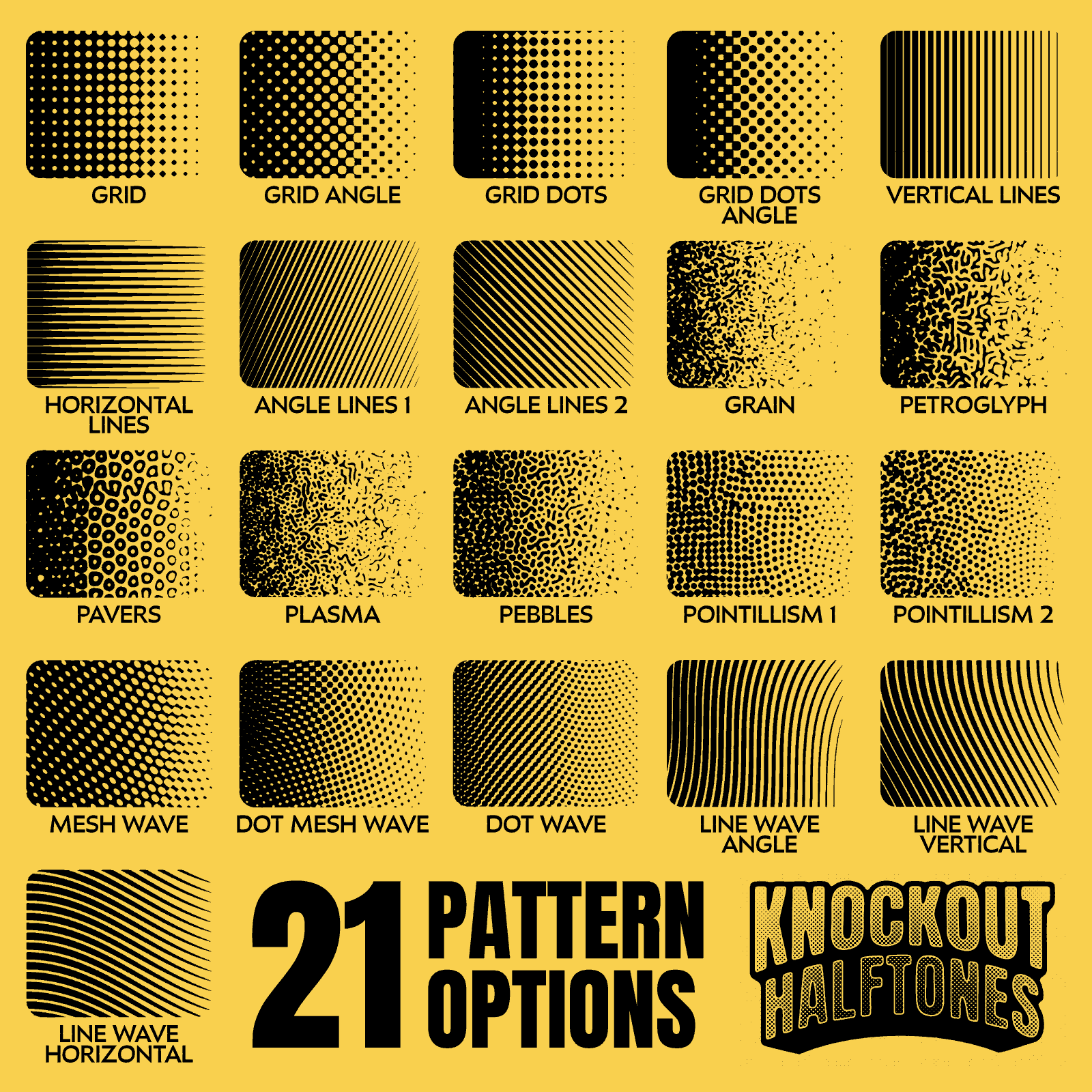
- Choose from 21 decorative halftone patterns.
- Adjust brightness and contrast levels of your image.
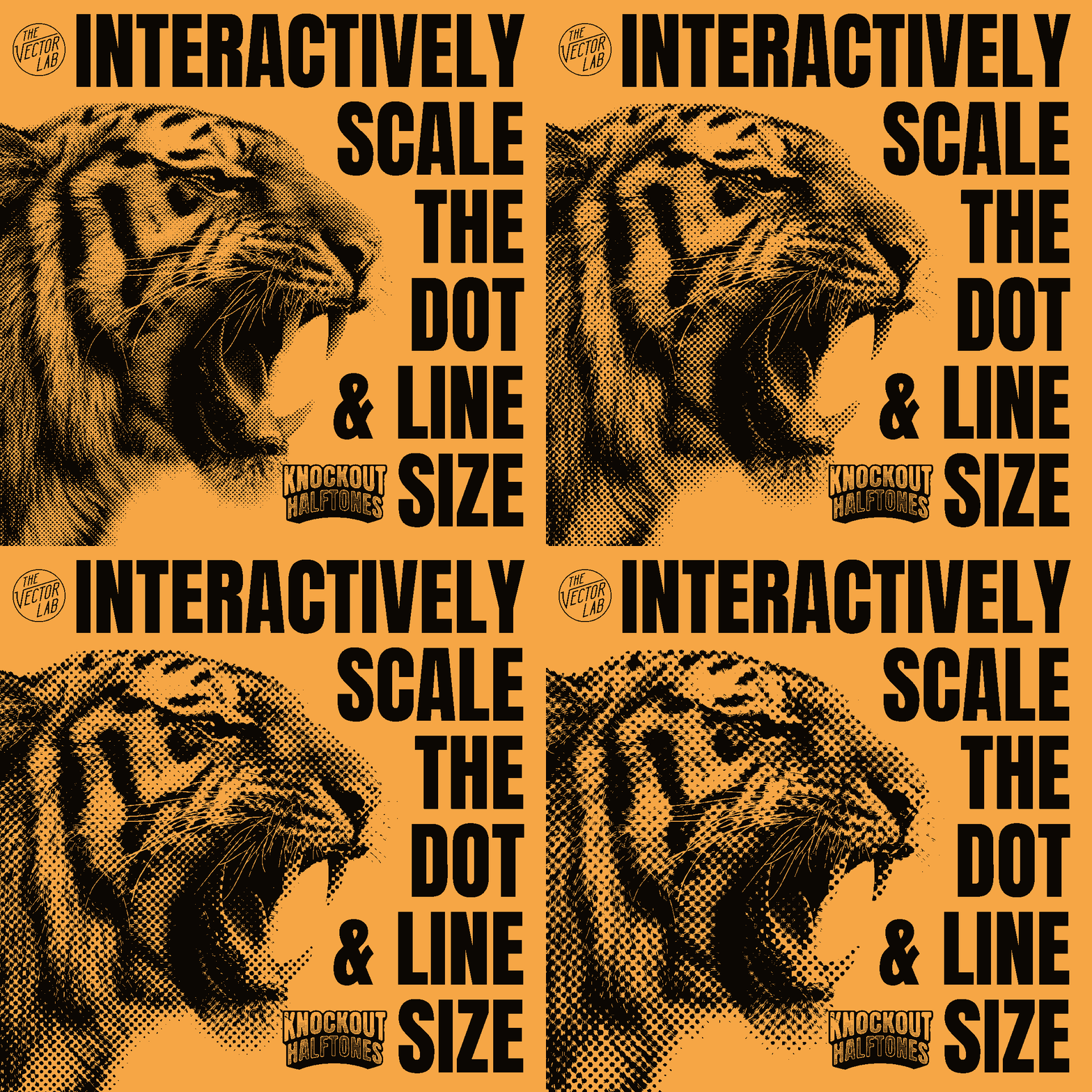
- Scale the halftone dot or line pattern for the best look.
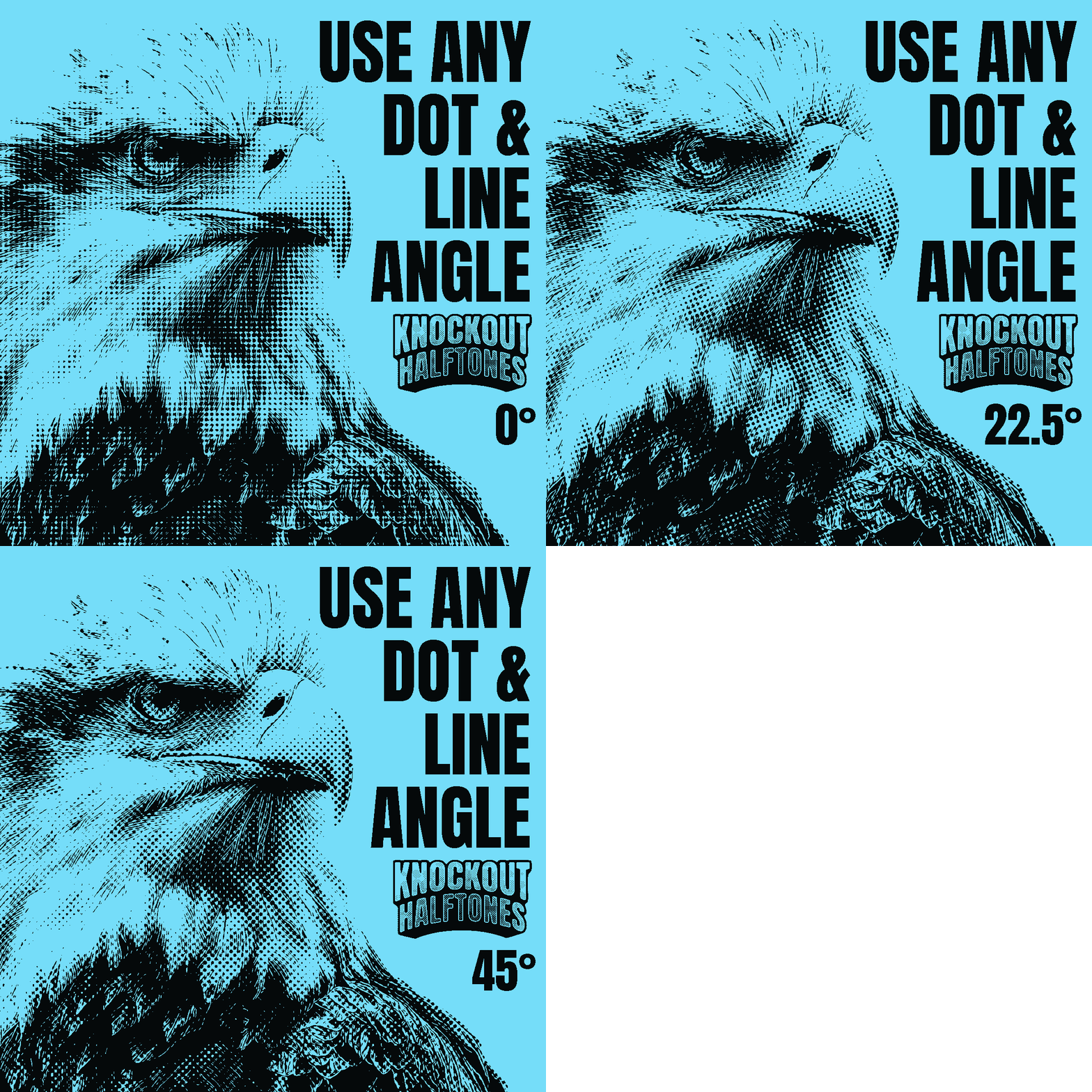
- Change the halftone to any angle.
- Export your image as a Transparent PNG. Or copy and paste it into another Photoshop or Illustrator file for further editing.
What you get:
- The Knockout Halftones template (4000 x 4000 pixels).
- 21 adjustable halftone pattern options.
- Quick Start Guide PDF instructions and tutorial video.
Knockout Halftones is a regular Photoshop (or Affinity) file. No plugins or actions to install!
Software Compatibility
Knockout Halftones works in:
- Photoshop CC (Year 2013 to Present) for Desktop Mac and Windows. (not compatible with Elements)
- Affinity (ALL versions newer than 1.10.8)
Not compatible with PS Elements, Illustrator, Corel, Inkscape, Gimp, Flexi, Procreate or other software.
This Product is Also Available In These Larger Bundles:


You may also like
100%would recommend this product
Slide 1 selected
140 reviews
- ELEli L.Verified BuyerRated 5 out of 5 starsPerfect for my needs
I used the knockout halftone to help put together my logo for screen print which we used on our t-shirts and stickers. High recommend this to if you are working with a print that requires screen set up
- MLMike L. R.Verified BuyerRated 5 out of 5 starsSimple tool with great results
Needed to create some halftone effects for t-shirt designs and this tool made it easy to dial in the exact effects I was looking for.
- BKBrian K.Verified BuyerRated 5 out of 5 starsPerfect!
Really just needed a quick halftone generator, the knockout was an amazing bonus! Easy to use, lots of variety.
- JMJosue M.Verified BuyerRated 4 out of 5 starsGreat Eroded Vintage Look
When in a hurry I just needed a quick turnaround for a vintage poster mock-up and these knockout halftone plugin worked wonders. Thank you to The Vector Lab guys!
- MWMatthew W.Verified BuyerRated 5 out of 5 starsJust what I was looking for!
As a poster artist that often uses halftones, I quickly learned that Photoshop is very limited when it comes to making things easily print-friendly. This tool is easy to use, was a simple addition to my work flow, and makes all of my halftones beautiful, and print-friendly! I couldn't be happier!