

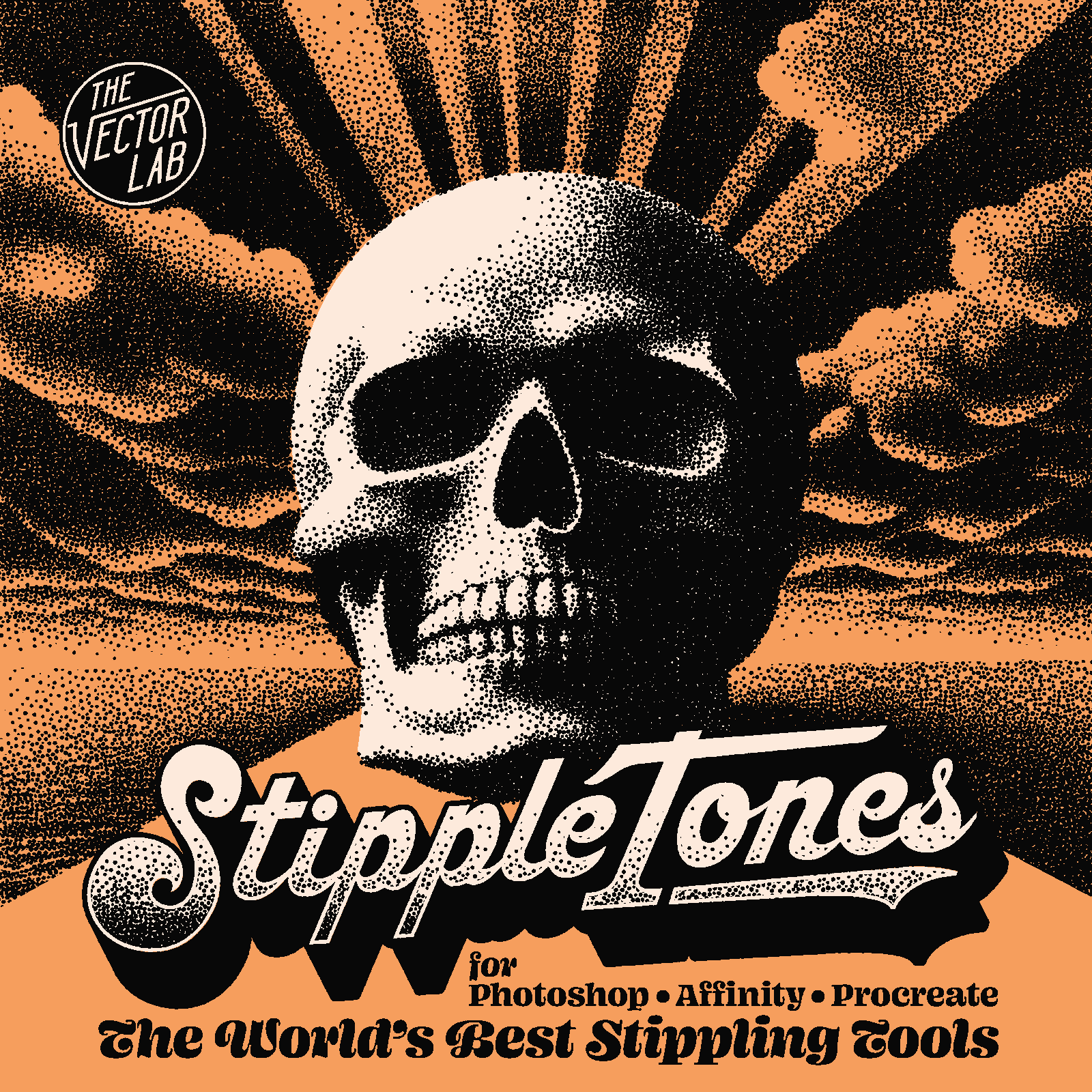

StippleTones
Rated 5.0 out of 5 stars
21 Reviews
$35.00
The Hand-Drawn Alternative to HALFTONE DOTS
The World's Easiest, Fastest, and Best-Looking Stipple Dot Tools
Automator + Brushes
For Screen Printing, DTF, DTG — or for looking like you agonized over every dot. (You didn't.)
Stipple effects used to take hours. Now they take minutes — and they look better than ever.
StippleTones gives you two powerful tools in one package:
• An Automator that converts your images into stunning stipple designs in seconds.
• Pressure-sensitive Brushes that let you paint stipple shading directly into your artwork like a pro.
The Automator — Point, Click, Done.
(Photoshop & Affinity)
No plugins. No actions. No learning curve. Just open the template and go.
-
Paste your image into the template.
-
Pick your style — choose from 3 distinct stipple looks.
-
Dial in your stipple — adjust brightness and contrast to perfection.
-
Scale your dots until it looks exactly right.
-
Export as a transparent PNG, or drop it straight into Photoshop or Illustrator for further editing.
- Leave work early. You've earned it.
The Brushes — Paint Stipple Like It's Second Nature.
(Procreate, Photoshop & Affinity)
Grab your pressure-sensitive tablet and stylus and paint stipple shading right into your designs — with complete, intuitive control.
- Light pressure = sparse dots, subtle texture.
- Heavy pressure = dense dots, bold, rich shading.
It's the most natural, hands-on way to build stipple effects — and it'll save you hours every single time you use it.
What's Included
✦ StippleTones Automator — the template file for Photoshop & Affinity
✦ StippleTones Brushes — for Photoshop, Affinity & Procreate
✦ Quick Start Guide — PDF instructions + tutorial videos to get you up and running fast
Works With the Software You Already Use
StippleTones Automator is compatible with:
- Photoshop CS5, CS6, CC, and all newer versions — Mac & Windows desktop
- Affinity Desktop & iPad App — all versions 2.0 or newer
StippleTones Brushes require a pressure-sensitive drawing tablet + stylus, and work in:
-
Photoshop CS5, CS6, CC, and all newer versions — Mac & Windows Desktop (Tip: mirror your desktop to iPad to use it as a drawing tablet)
-
Affinity Desktop & iPad App — version 2.0 or newer
- Procreate — version 5.0 or newer
No plugins to install. No complicated setup. Just open, create, and print.
This Product is Also Available In These Larger Bundles:


You may also like
Total 5 star reviews: 21
Total 4 star reviews: 0
Total 3 star reviews: 0
Total 2 star reviews: 0
Total 1 star reviews: 0
100%would recommend this product
21 reviews
- RMRuben M.Verified BuyerRated 5 out of 5 starsSerigrafia
Gracias
- MFmario f.Verified BuyerRated 5 out of 5 starssuper
endlich stipple
- MPMassimiliano P.Verified BuyerRated 5 out of 5 starsThank God there's VectorLab!
I've always made my own Photoshop screenings, in perfect DIY style, even with decent results, but...with these tools, it's a whole different story! TOP!
Thank God there's VectorLab!
- MCMarc c.Verified BuyerRated 5 out of 5 starsA modern day must-have
Knockout HalfTones have seriously sped up my workflow. What used to take tedious manual work or multiple filter steps now happens in minutes with far better results. The effects look awesome and allow me total control.
- MHMike H.Verified BuyerRated 5 out of 5 starsEasy to Use tools
Ray consistently makes design simpler and smoother for t-shirt print shops like ours!