











RetroFrame
$28.00$35.00
Frame It Like It's 1979
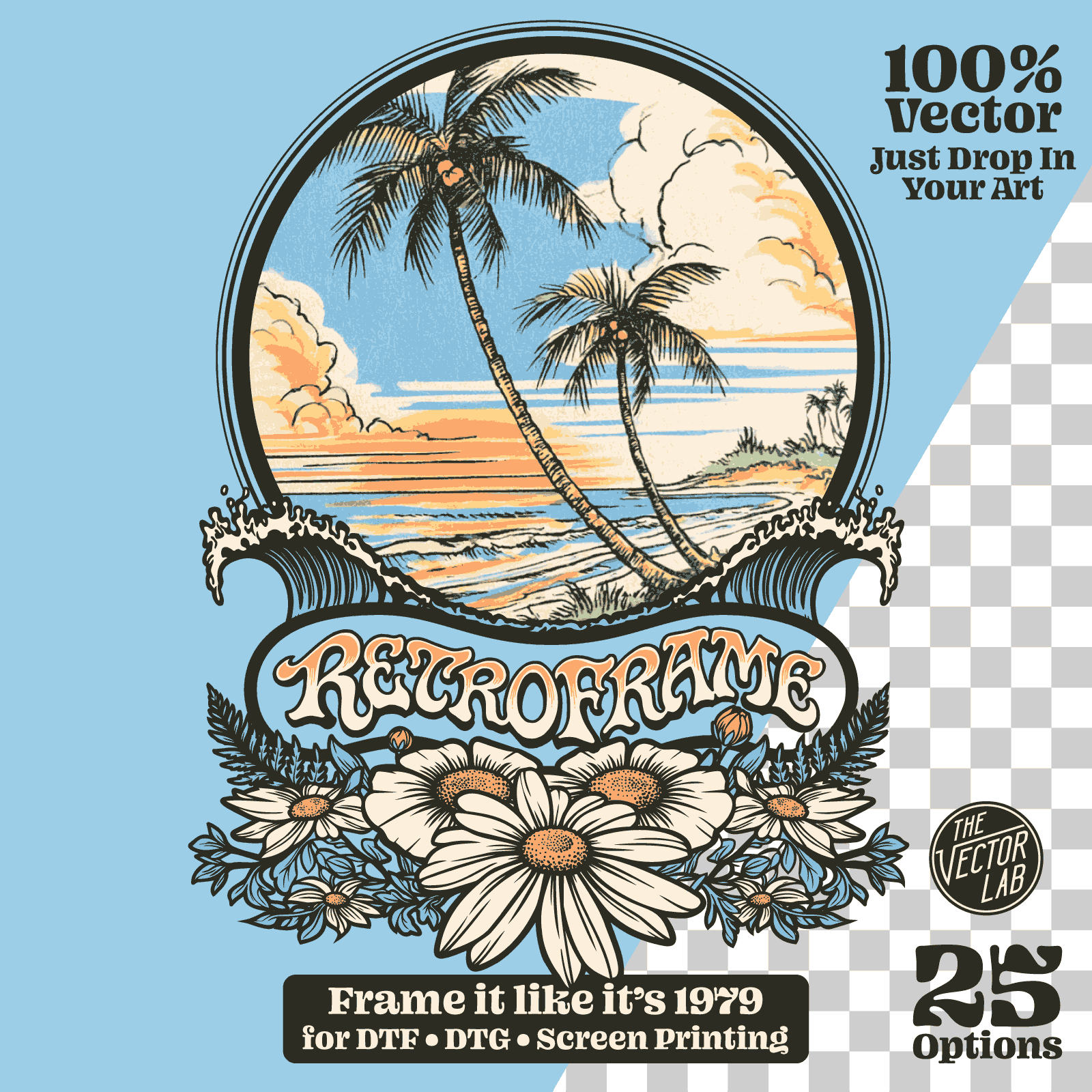
Borders inspired by vintage surf, skate, and moto tees. Drop in your art, mask with the built-in paths, done.
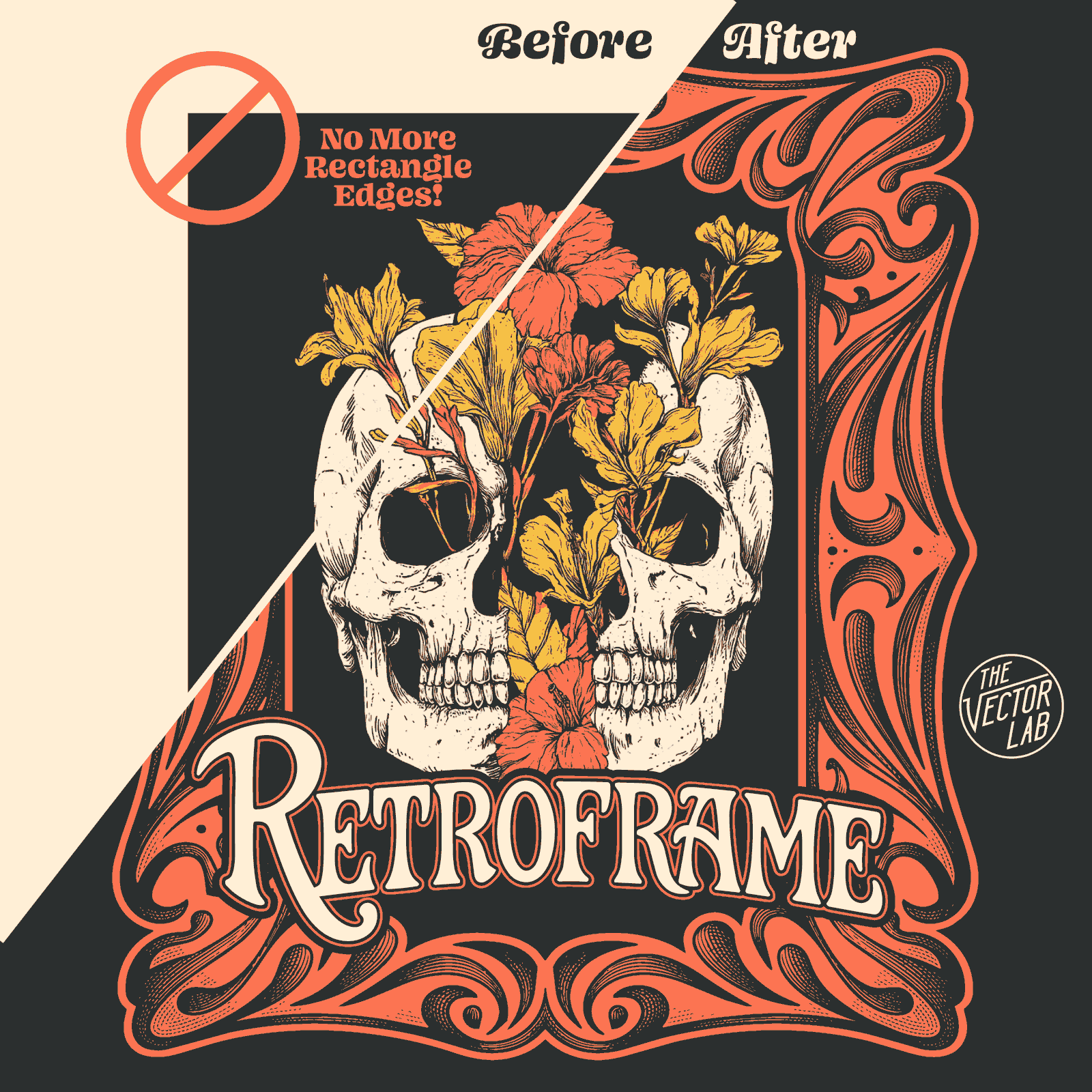
Still Shipping Rectangles?
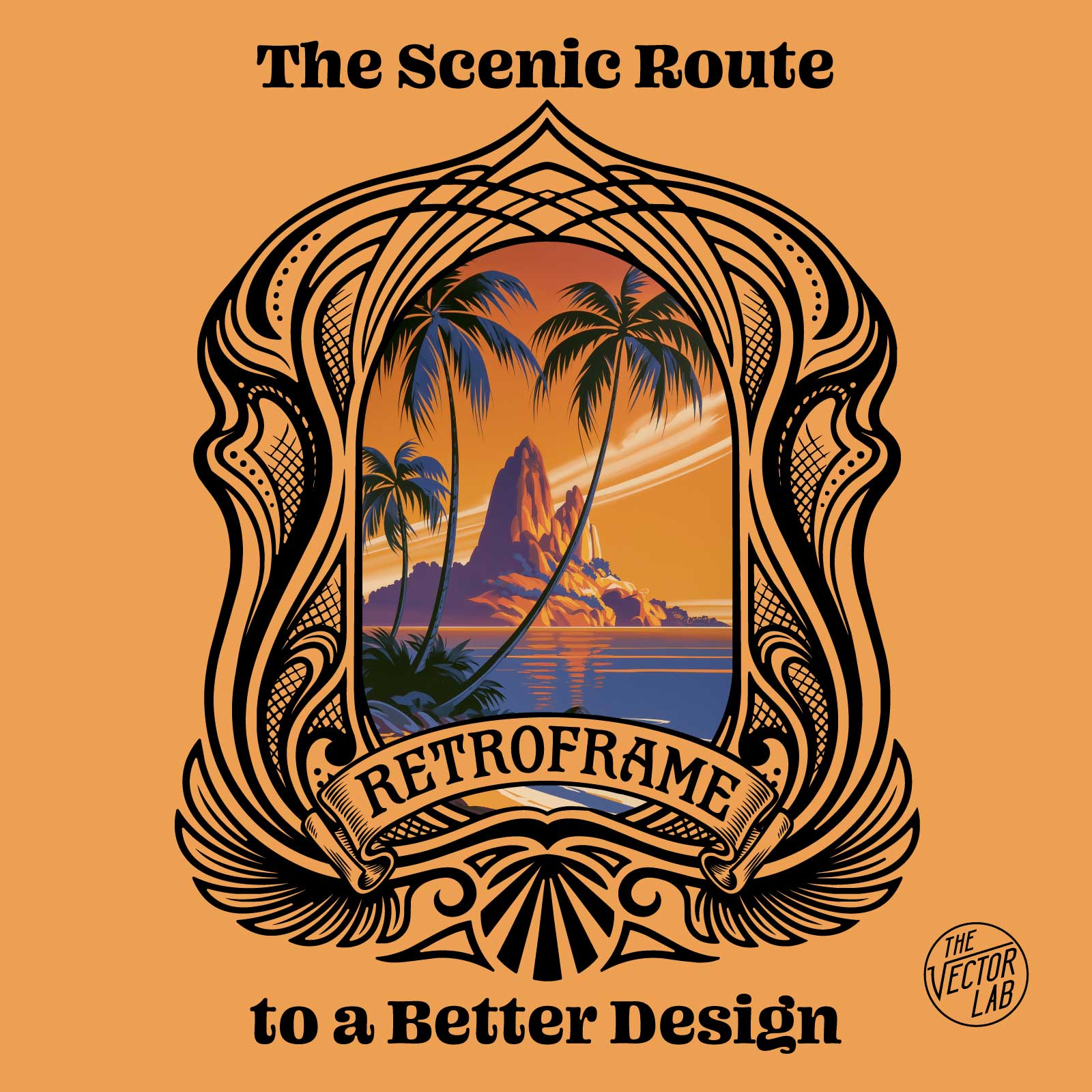
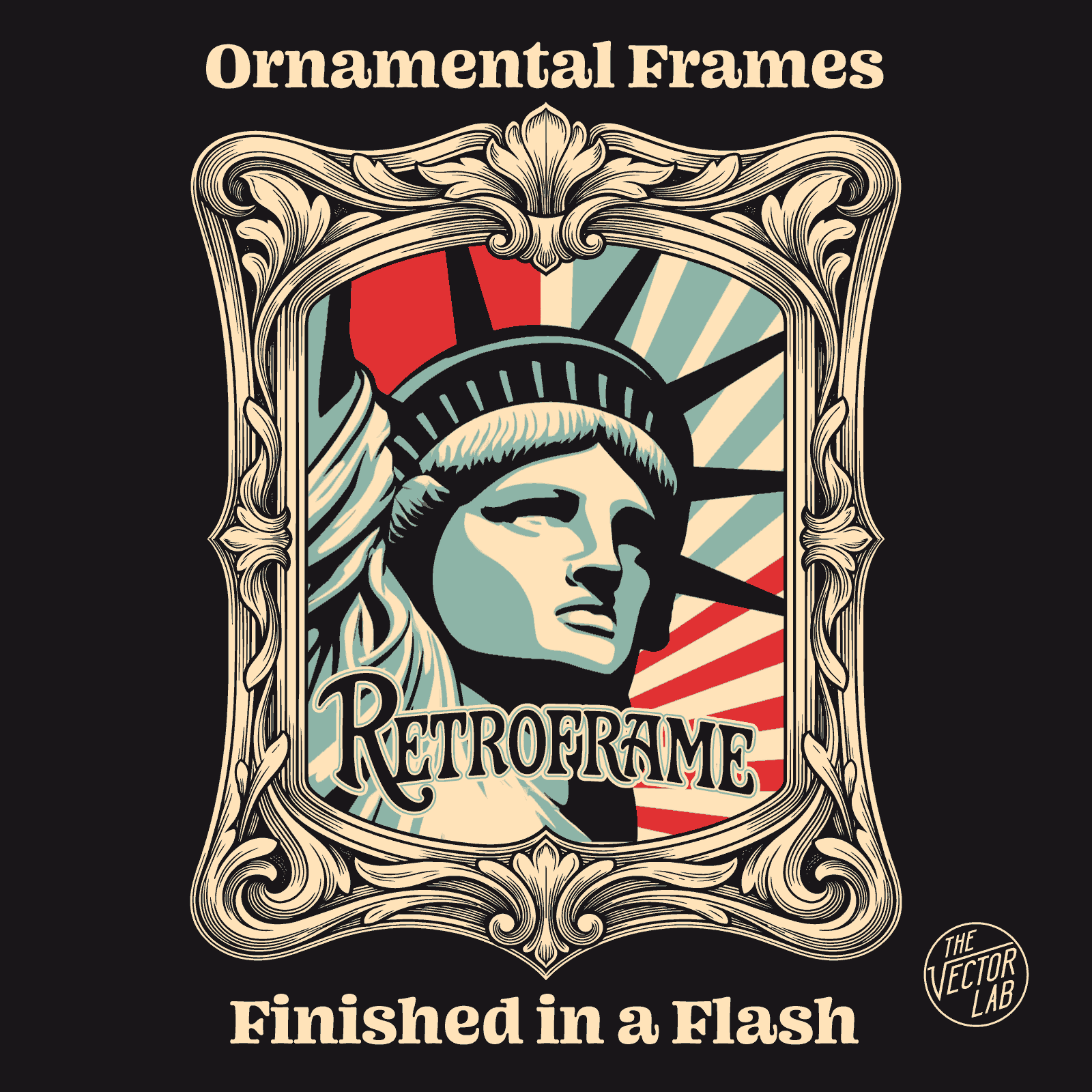
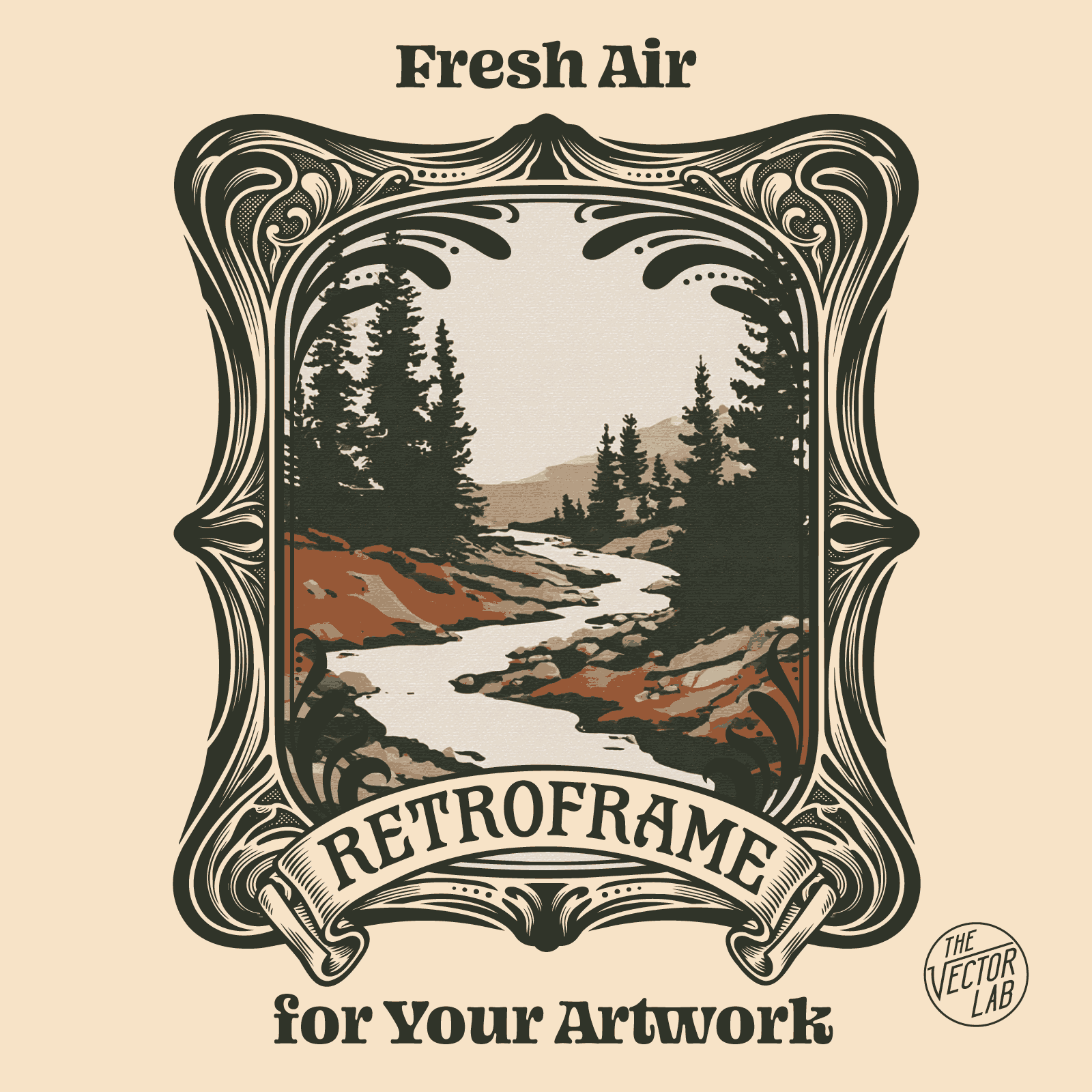
You've got great artwork. But sitting in a plain box, it looks like a solid patch. The best vintage tees never did that - they wrapped their graphics in ornamental frames, floral borders, engraved flourishes. This is what made them feel like designs instead of images.
RetroFrame gives you that move in seconds.
Drop In Your Art. Done.
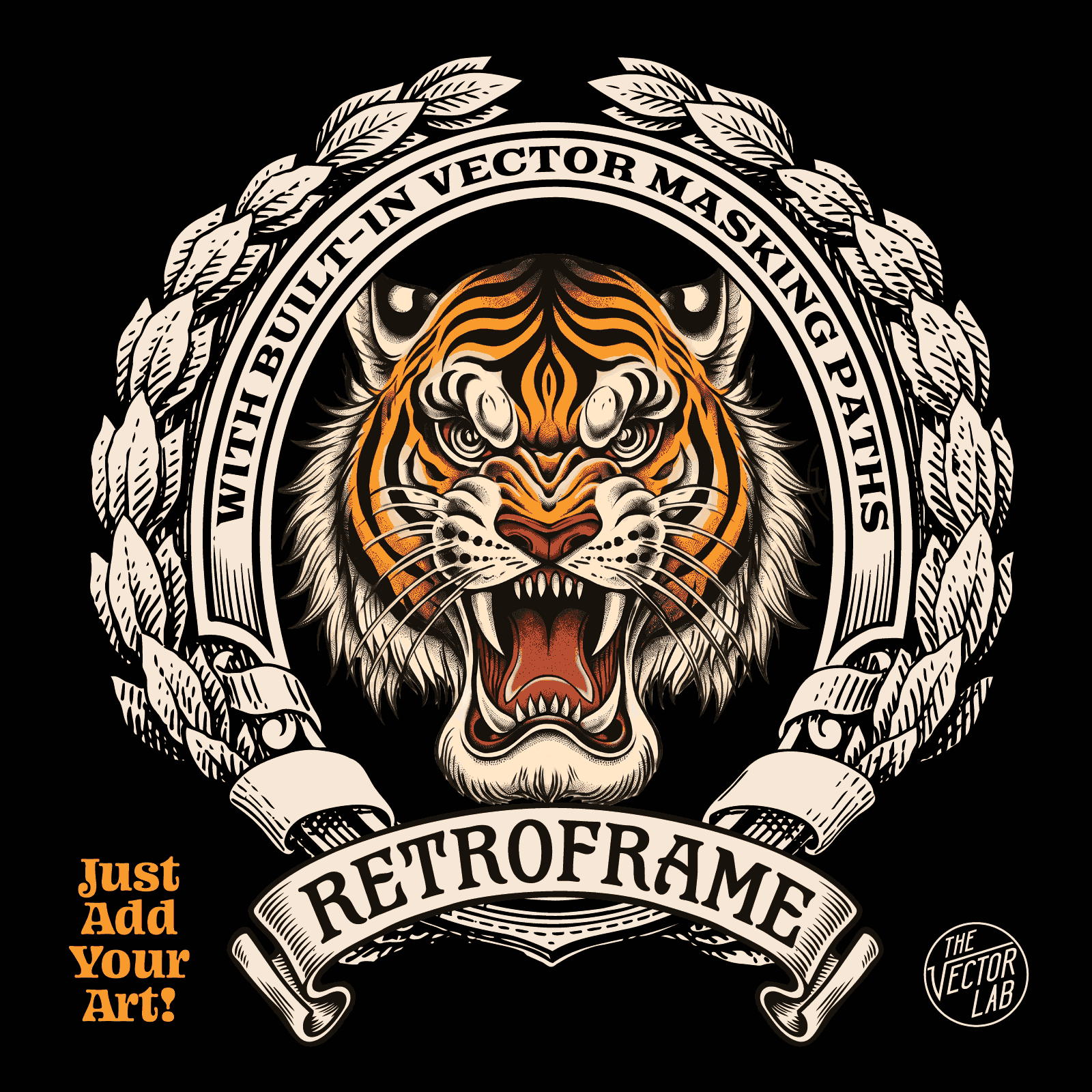
Every frame comes with built-in masking paths. Place your rectangular artwork, clip it to the mask, and it instantly takes the shape of the frame. No pen tool. No tracing. No rebuilding paths at 11pm before a deadline.
What's Inside
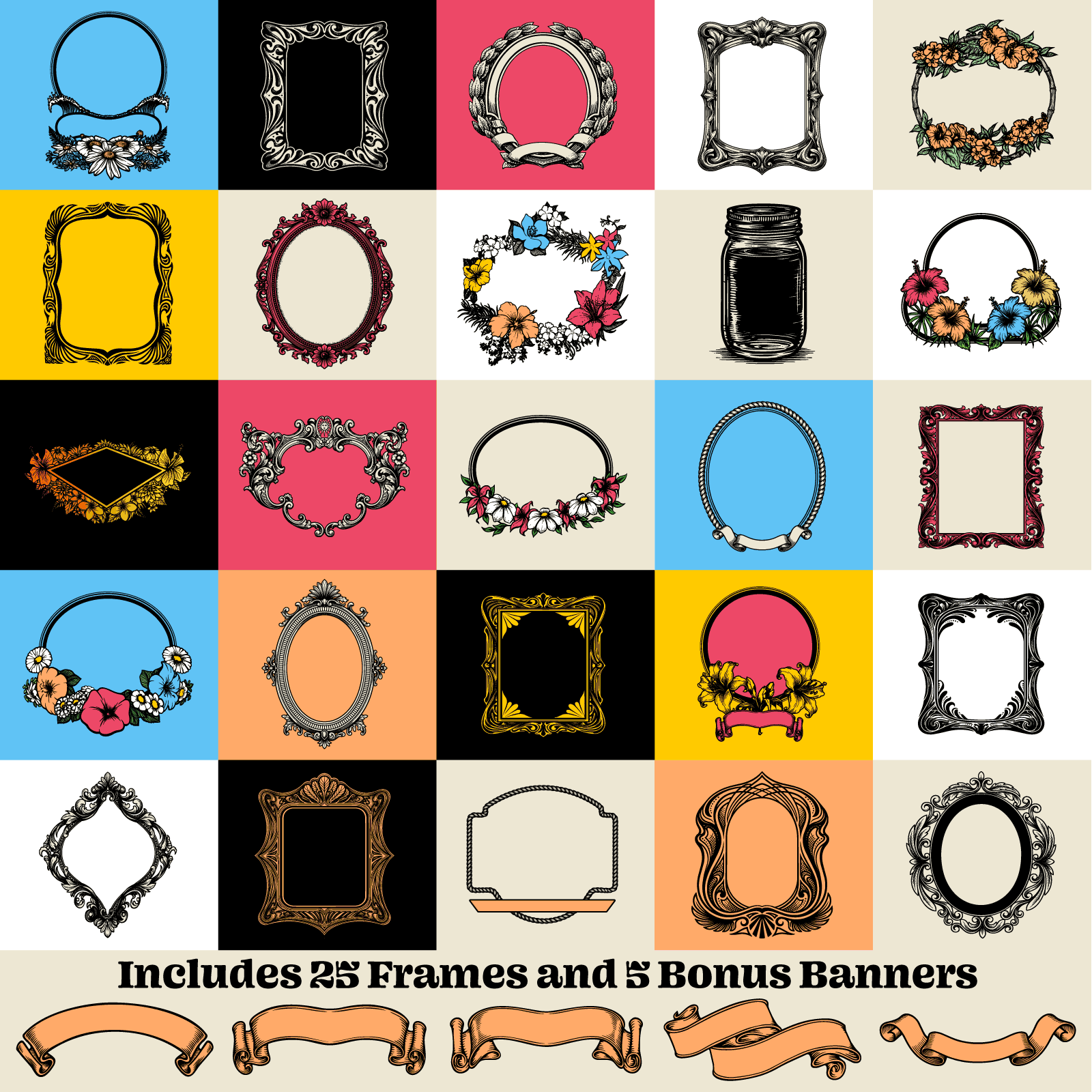
- 25 ornamental and floral frames pulled straight from the golden era of surf, skate, and motorcycle graphics
- Built-in masking paths in every file - your art drops in and conforms to the frame
- Clean, untextured artwork that prints sharp and separates easily
- Quick-Start PDF Guides + tutorial videos
Built for Your App
Photoshop: High-resolution raster files, 4500 pixels wide - plenty of size for full-front and back t-shirt prints.
Illustrator, Affinity & CorelDRAW: 100% vector. Scale to any size, recolor in seconds, output razor-sharp at any dimension.
What's Not Included
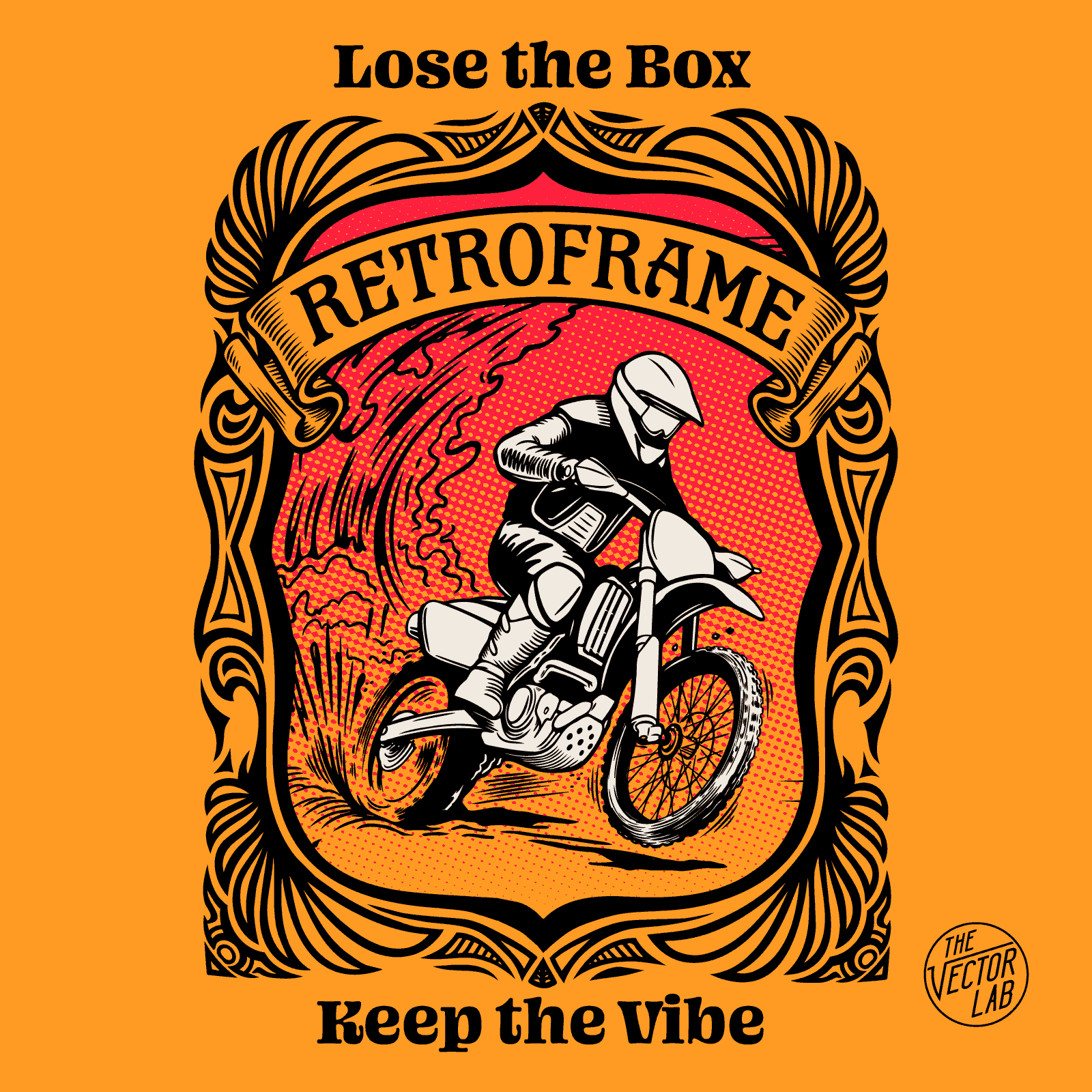
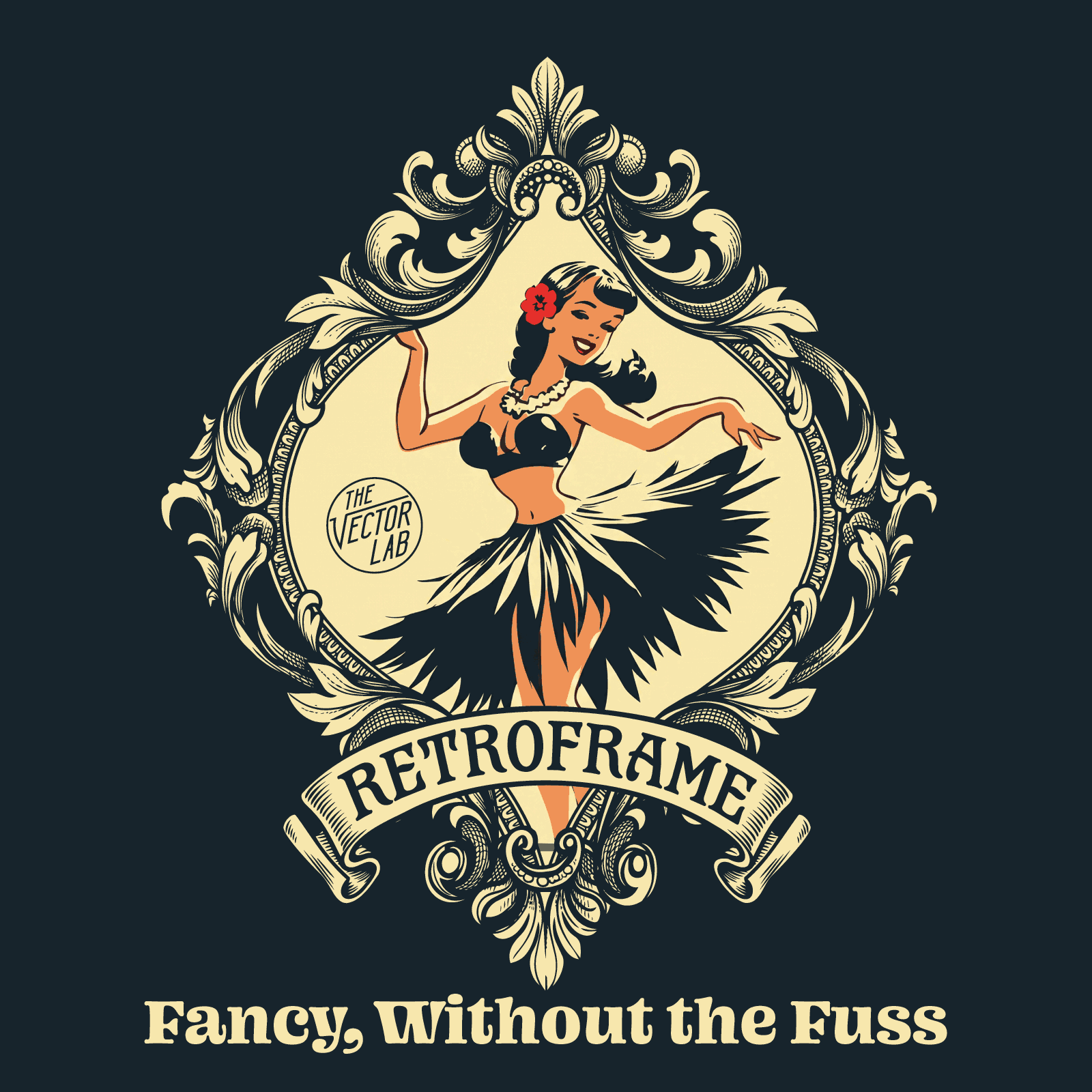
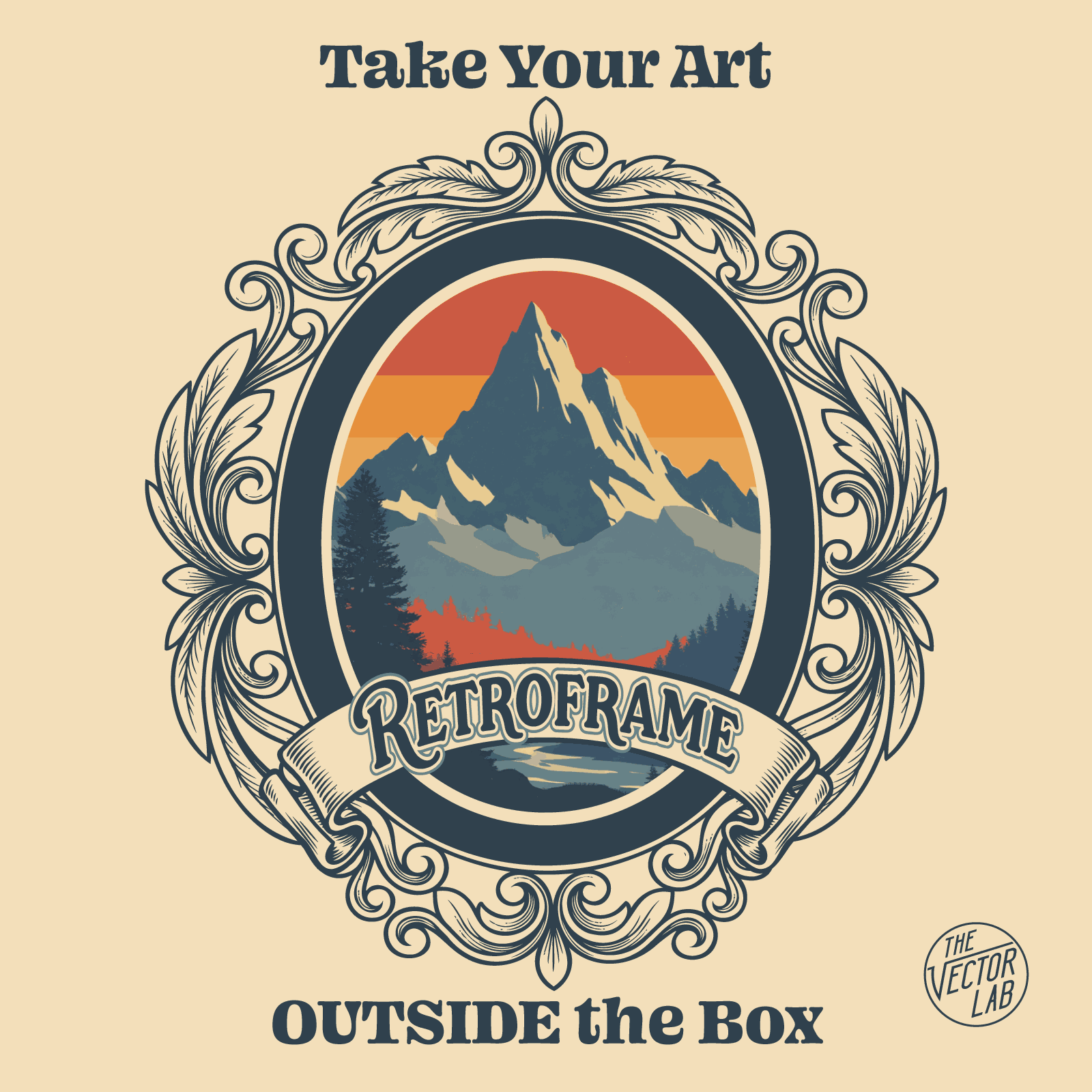
RetroFrame is a collection of frames - the landscape & character artwork and lettering you see in the previews are there to demonstrate what the frames can do, and they're not part of the download. Fonts aren't included either. You bring the art and the type; RetroFrame brings the frame.
No Distress. On Purpose.
These frames are clean. No grunge, no texture baked in. They print sharp - and if you do want them beat up, hit them with T-Shirt Texture Machine or Bit-Thrash Textures and they'll look like they survived 40 years in a dresser drawer.
-
- Beginners can easily change the text and colors.
- Experienced designers can use these templates as a time-saving starting point to make completely new graphics.
-
All products from TheVectorLab include a Commercial License!
LICENSE OVERVIEWPERMITTED USES:✔ You can use for your brand's t-shirt graphics, hats, mugs, printed products, web graphics, and social media posts.
✔ You can mix and match elements to create new designs.
✔ You can send the files to your screen printer or print-on-demand vendor if you want to have your physical products printed.
PROHIBITED USES:✘ The graphic files (including derivatives) cannot be resold or given away to others.
✘ The designs cannot be used in a "your text here" graphic or logo design business. For example, the images can't be displayed on design service websites, such as Fiverr, Upwork, 99Designs, or similar. (However, if you run a traditional screen printing business, you can use the designs to print physical products for your customers)
✘ The designs and resources can't be embedded into apps, such as an online mockup generator or design-it-yourself software. (Individuals selling finished printed products for sale on print-on-demand websites is okay).
* For more specific license information, please see the LICENSE DETAILS. -
This product is not a standalone app. You will need Adobe, Affinity, or CorelDraw graphic design software to use these templates.
ADOBEPhotoshop CS4 (year 2008) or newer (Desktop Mac & PC only)
Illustrator CS4 (year 2008) or newer (Desktop Mac & PC + iPad)
AFFINITYAll versions: 1, 2, and 3 (or newer)
CORELCorelDraw X5 (year 2010) or newer (Desktop Mac & PC)
File Format Detail:The Illustrator .AI, Affinity .afdesign, and CorelDraw .CDR templates are completely vector so there is no limit to scaling.
The Photoshop PSD template dimensions are more than 15" wide @ 300 DPI, perfect for t-shirt printing.
The text in these templates will not be editable in Flexi, Inkscape, CS2, CS3, Mobile Apps, or other software. If you are new to graphic design software, we recommend Affinity as the free and easiest to use option.


